· By The Hidangi Team
AI Food Photo Enhancement for Menus: Turn Phone Photos Into Menu-Ready Images
AI food photo enhancement takes a real photo you already took of a dish and re-lights, re-styles, and sharpens it so it looks ready for a menu — without a studio, a photographer, or a reshoot. It's built for small restaurant owners who have a phone, a dish, and no time to become a food photographer overnight.
What does AI food photo enhancement actually do?
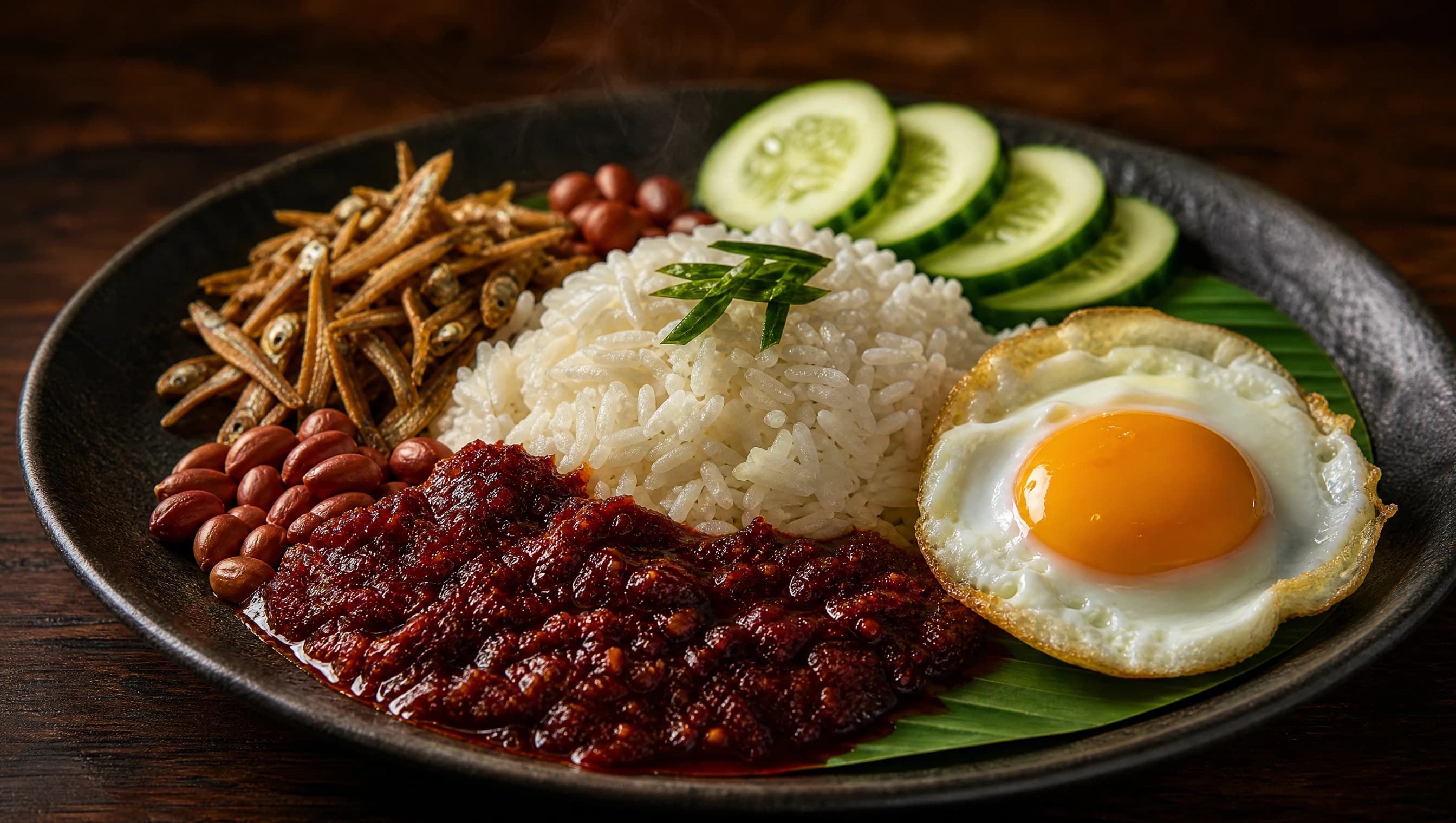
It takes the photo you took of your actual dish and improves the lighting, color, and composition around it — it does not invent a new dish. Think of it as the difference between a phone snapshot taken under kitchen strip lighting and the same plate shot for a menu cover: same rice, same sambal, same anchovies, just properly lit and framed. The AI is anchored to your original photo, so the dish that shows up in the result is recognizably the dish you served, not a generic stock image of "nasi lemak" pulled from nowhere.
This matters more than it sounds. Guests order with their eyes, and in a QR menu there's no waiter to say "trust me, it's good" — the photo has to do that job. But guests also notice when a menu photo looks nothing like what lands on their table. Hidangi's enhancement tool is deliberately built to avoid that gap: it re-lights and restyles what you photographed, so the promise on the screen matches the plate in front of the guest.
Do I need AI to put a photo on my menu at all?
No — plain photo upload is free on every Hidangi plan, with no AI step required. If you're happy with a phone photo of the dish as-is, you can upload it directly and it shows on your QR menu immediately. AI enhancement is a separate, optional layer on top of that for owners who want their photos to look more polished, more consistent, or more suited to a particular menu mood — it is not a requirement to have photos on your menu at all.
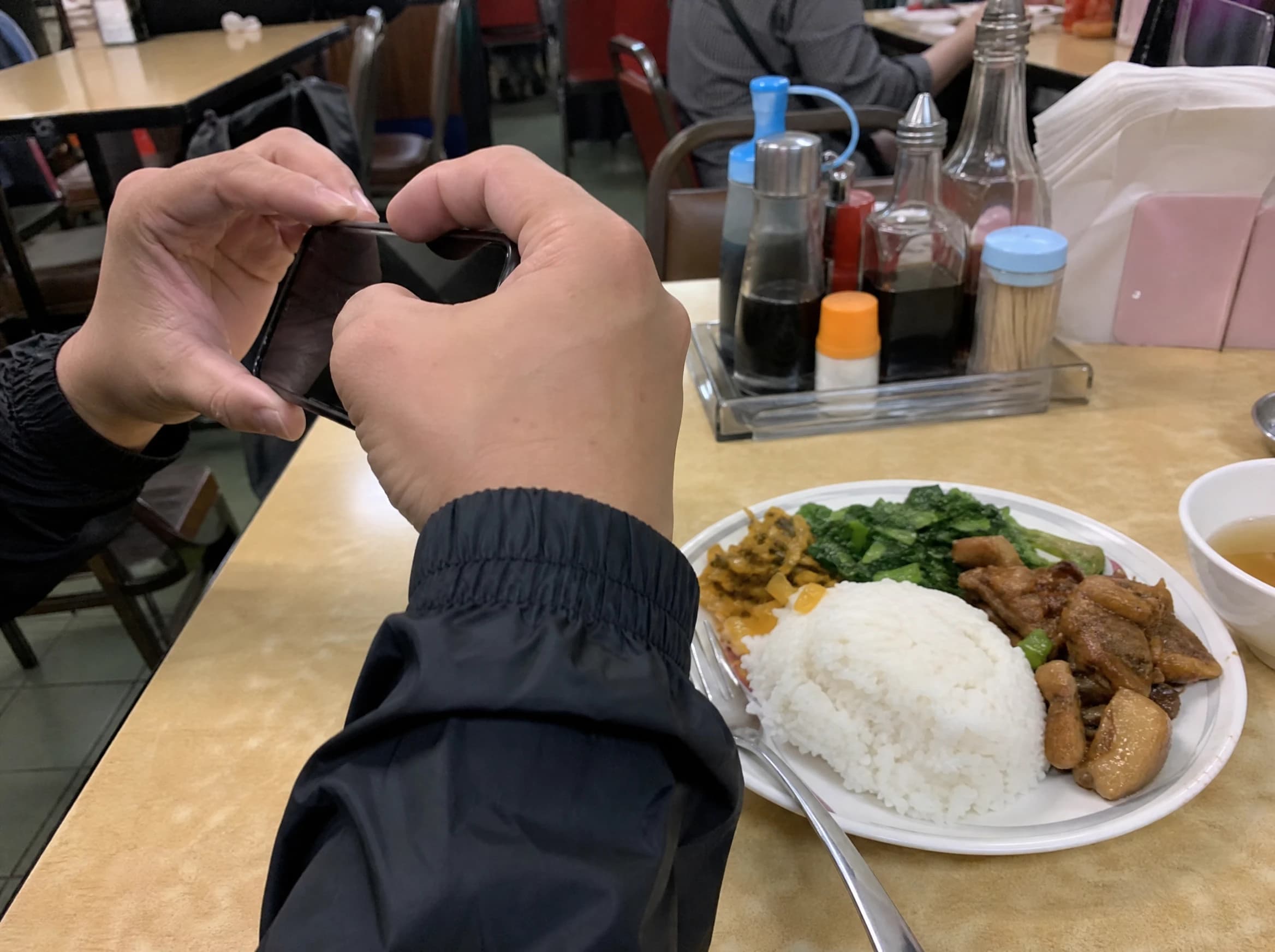
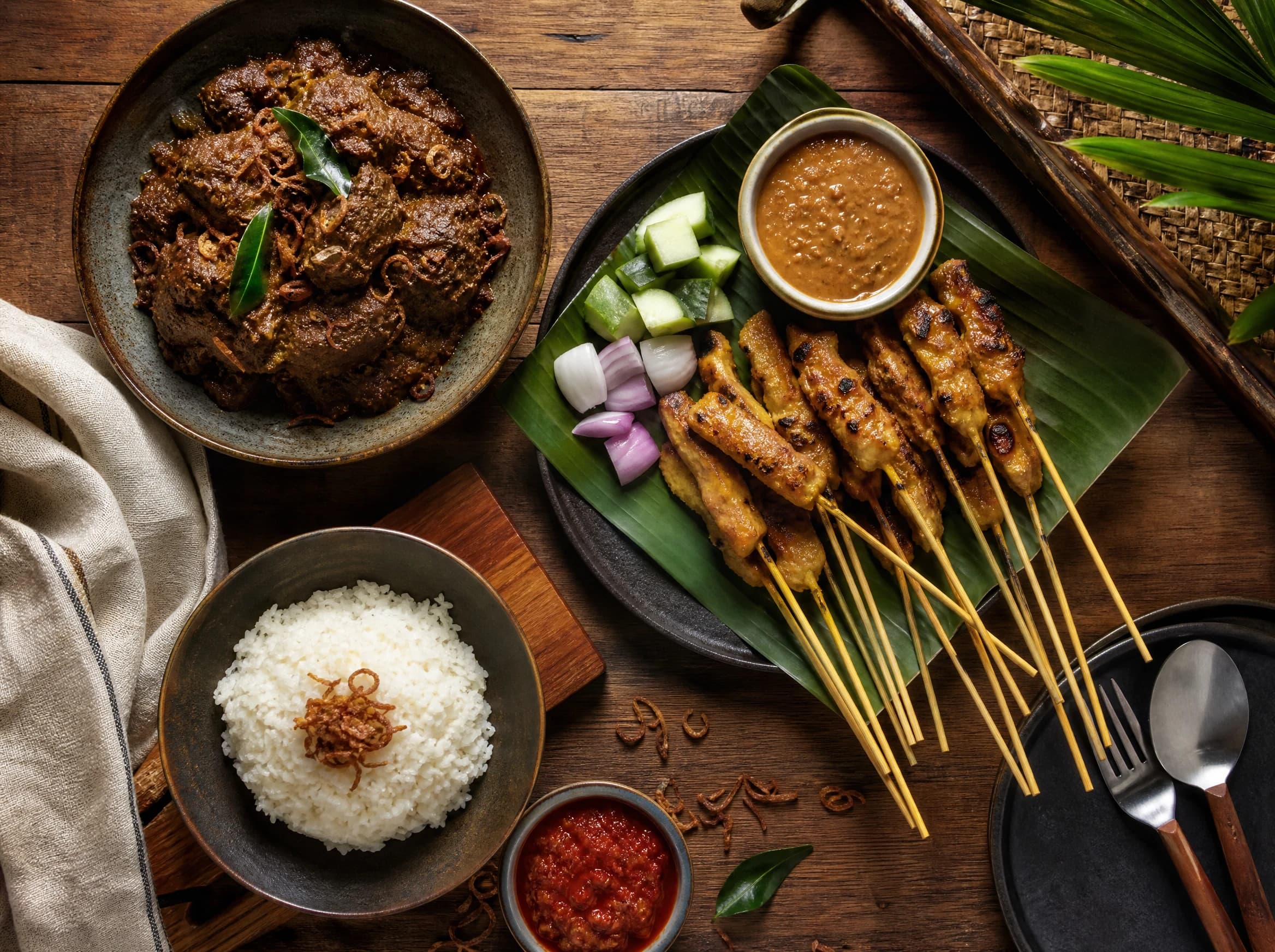
Most menu photos start exactly like the image above: a plate on whatever table was closest, shot quickly between orders, under whatever light the room happens to have. That's a perfectly fine starting point — it's also exactly the kind of photo the enhancement tool is designed to work from.
What style presets are available?
There are 8 style presets, each built around a different mood or menu use case, so you can match the enhancement to how you actually present your food:
- Dark Rustic — deep shadows and warm low light, suited to grills, stews, and hearty comfort food.
- Clean Minimal — bright, neutral background with the dish as the sole focus, good for modern cafés and healthy-eating menus.
- Fine Dining — refined plating light with elegant shadow work, for restaurants leaning upscale.
- Warm Café — soft golden light with a cozy, informal feel, suited to brunch spots and coffee-forward menus.
- Malaysian Heritage — warm tones and textures that echo traditional Malaysian food styling, suited to local and heritage cuisine.
- Delivery Menu — bright, clear, evenly lit shots optimized for small thumbnails on an ordering screen.
- Top-Down Menu — a flat, overhead angle suited to spreads, rice sets, and shareable dishes.
- Close-Up Hero — a tight, detail-forward crop that highlights texture, ideal for a single standout item.
What's the difference between Standard and Premium quality?
Standard is the everyday choice for most menu items; Premium is for the few photos you want to look their absolute best, like a hero dish or a homepage image. Both draw from the same monthly AI budget, so the difference is really about where you want to spend it.
| Tier | Resolution | Best for |
|---|---|---|
| Standard | 1K / 2K | Everyday menu items, quick turnaround, most of your catalog |
| Premium | 2K / 4K | Signature dishes, hero images, anything shown large or printed |
How does the AI budget work across plans?
Every plan includes a monthly ringgit budget for AI generations, and it resets each month rather than rolling over. Starter includes RM12 a month, Growth includes RM30, and Pro includes RM52 — so a busy menu with several signature dishes will naturally lean toward Growth or Pro, while a smaller menu can often get by comfortably on Starter. Every generation you run, in any preset or quality tier, draws from that same budget. Once you've enhanced a dish, it's saved to your gallery so you can browse past generations and reuse or swap between versions without generating again.
Frequently Asked Questions
Will the AI change what the dish actually looks like?
No. It enhances the lighting, background, and framing of the photo you took — it does not add ingredients, change portion size, or invent a dish. The intent is for the enhanced photo to still look like the exact plate you served, just better lit.
Do I still need a professional photographer?
Not for most day-to-day menu items. A professional shoot still has its place for big campaigns or print work, but for keeping a QR menu looking current, enhancing a phone photo you took yourself is usually enough.
What if I don't want to use AI at all?
You don't have to. Plain photo upload is free on every plan, and a well-lit phone photo works fine on its own. AI enhancement is there for when you want a bit more polish, not a requirement.
Can I try a few different styles before deciding?
Yes. Each generation is saved to a gallery of past generations, so you can compare presets side by side and pick the one that fits your menu before settling on a final photo.
Does this cost extra on top of my subscription?
AI enhancement draws from the monthly RM budget included in your plan (RM12/RM30/RM52 for Starter/Growth/Pro). Plain photo upload, with no AI, stays free on every plan.
If your menu photos were all taken in a hurry between orders, that's normal — it's exactly what the enhancement tool is there for. Upload a photo of the dish you already serve, pick a preset that matches your menu's mood, and see how it looks before you decide whether to use it.