· By The Hidangi Team
Kitchen Display System (KDS) for Small Restaurants & Warung: Do You Actually Need One?
A kitchen display system (KDS) is a screen that shows incoming orders in the kitchen instead of a printed paper ticket. For a small restaurant or warung, you need one the moment paper tickets start getting lost, ignored, or hard to read during a rush — not before. Below is how to tell which side of that line you're on.
What is a kitchen display system, exactly?
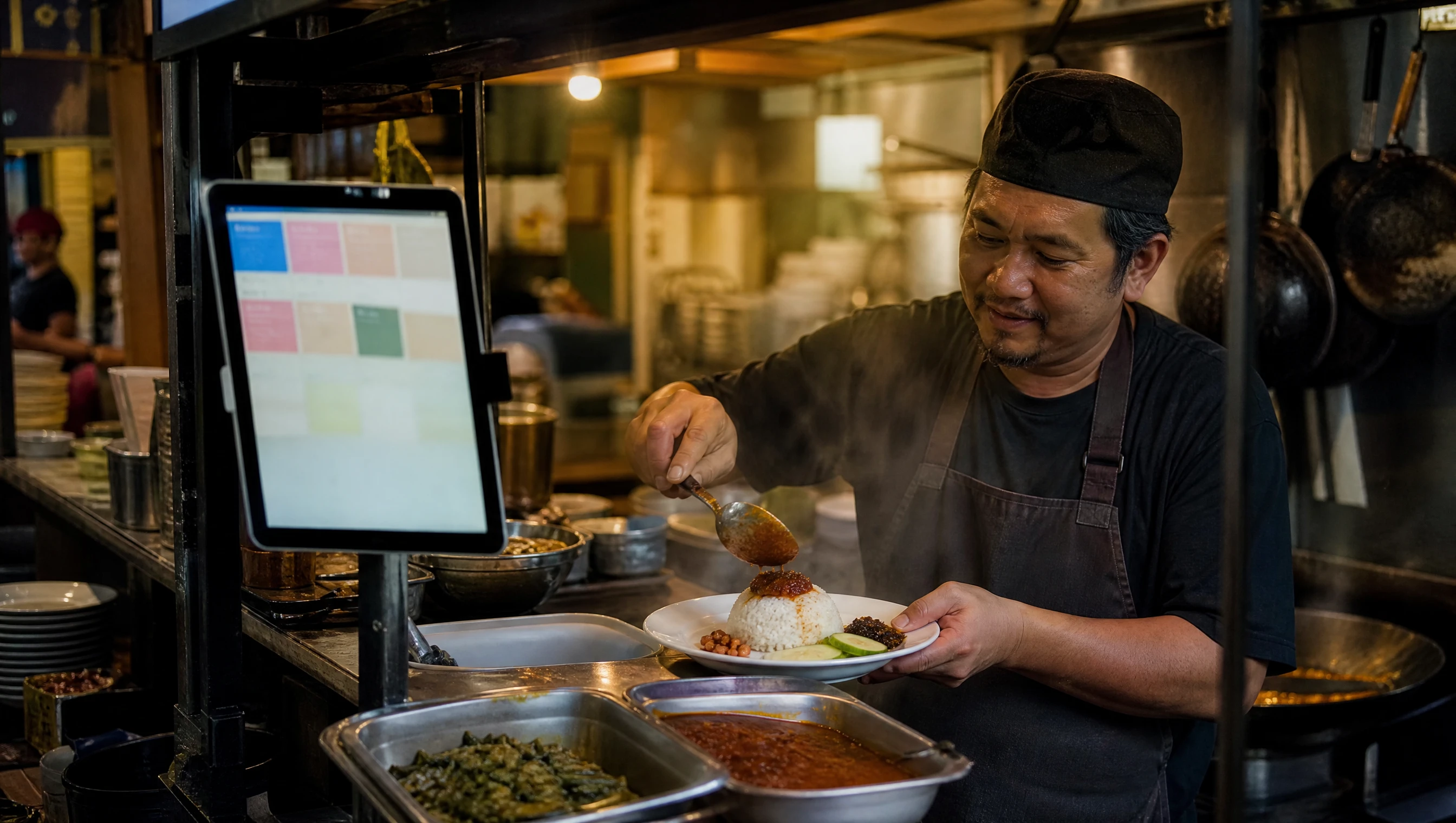
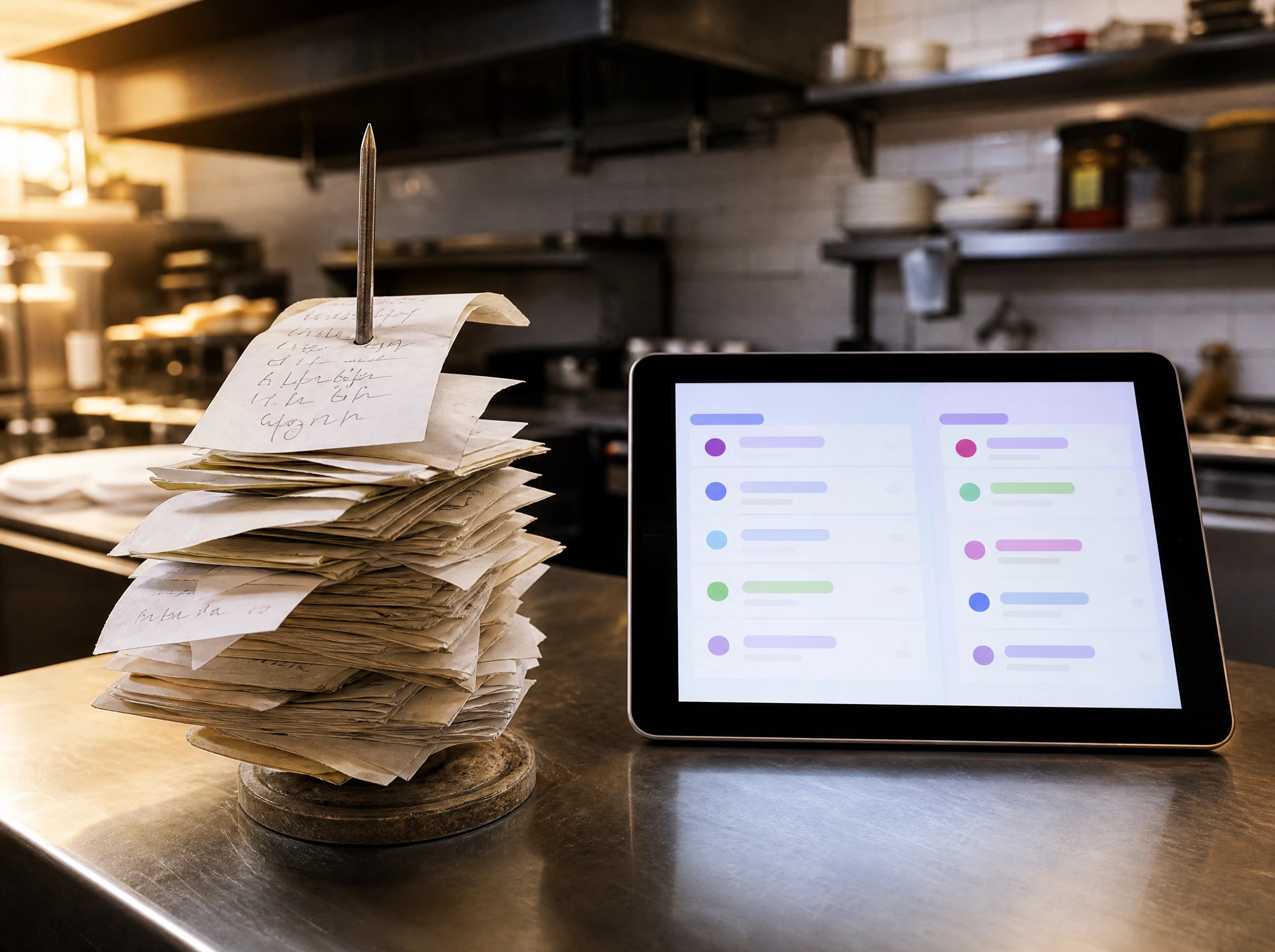
A KDS is simply a screen — a tablet, a monitor, or a dedicated terminal — that receives orders as they come in and lets kitchen staff move each one through a status: it arrives, someone accepts it, it gets cooked, and it's marked served. The point is to replace the walk-to-the-counter-and-shout method (or the paper ticket that gets clipped to a spike and forgotten) with something the whole kitchen can see at a glance.
It's not a new idea — big commercial kitchens have used dedicated KDS terminals for years. What's changed recently is that the same basic idea now runs on a tablet you probably already own, instead of requiring a proprietary box bolted to the wall.
Do small restaurants and warung actually need a KDS?
Not always, and it depends on how orders currently break down in your kitchen. If you're a one-cook stall doing a handful of orders an hour, a shouted order or a single paper ticket is often genuinely fine — a screen adds a step you don't need.
The tipping point usually shows up as a specific symptom, not a general feeling that "we should modernize":
- Tickets go missing or get buried under other tickets during a rush.
- More than one person cooks, and nobody can agree on what's already started versus what's still waiting.
- A customer's order sits unnoticed because whoever was meant to see the paper ticket got pulled away.
- You've started training new staff and they don't yet know the kitchen's shorthand for reading tickets.
If none of that describes your day, paper is still a legitimate choice. If most of it does, a KDS is solving a real, specific problem rather than being a gadget for its own sake.
What's actually wrong with paper tickets in a busy kitchen?
Nothing, until volume or headcount rises past what one person can track by eye. Paper doesn't alert anyone when it's ignored, it doesn't distinguish "just arrived" from "sat here for ten minutes," and if a ticket is dropped, wet, or torn, that order effectively disappears until a customer asks about it.
A KDS's core job is to make an order's status visible and shared, rather than something living in one cook's head or clipped to a spike that only faces one direction. In Hidangi, that shows up as a straightforward order board: each order moves through Pending → Preparing/Accept → Served, and if an item genuinely can't be made, staff can reject it — with a reason — either for the whole order or just the affected item, so the rest of the order still goes through instead of the whole ticket getting scrapped.
What does a tablet-based KDS actually look like in the kitchen?
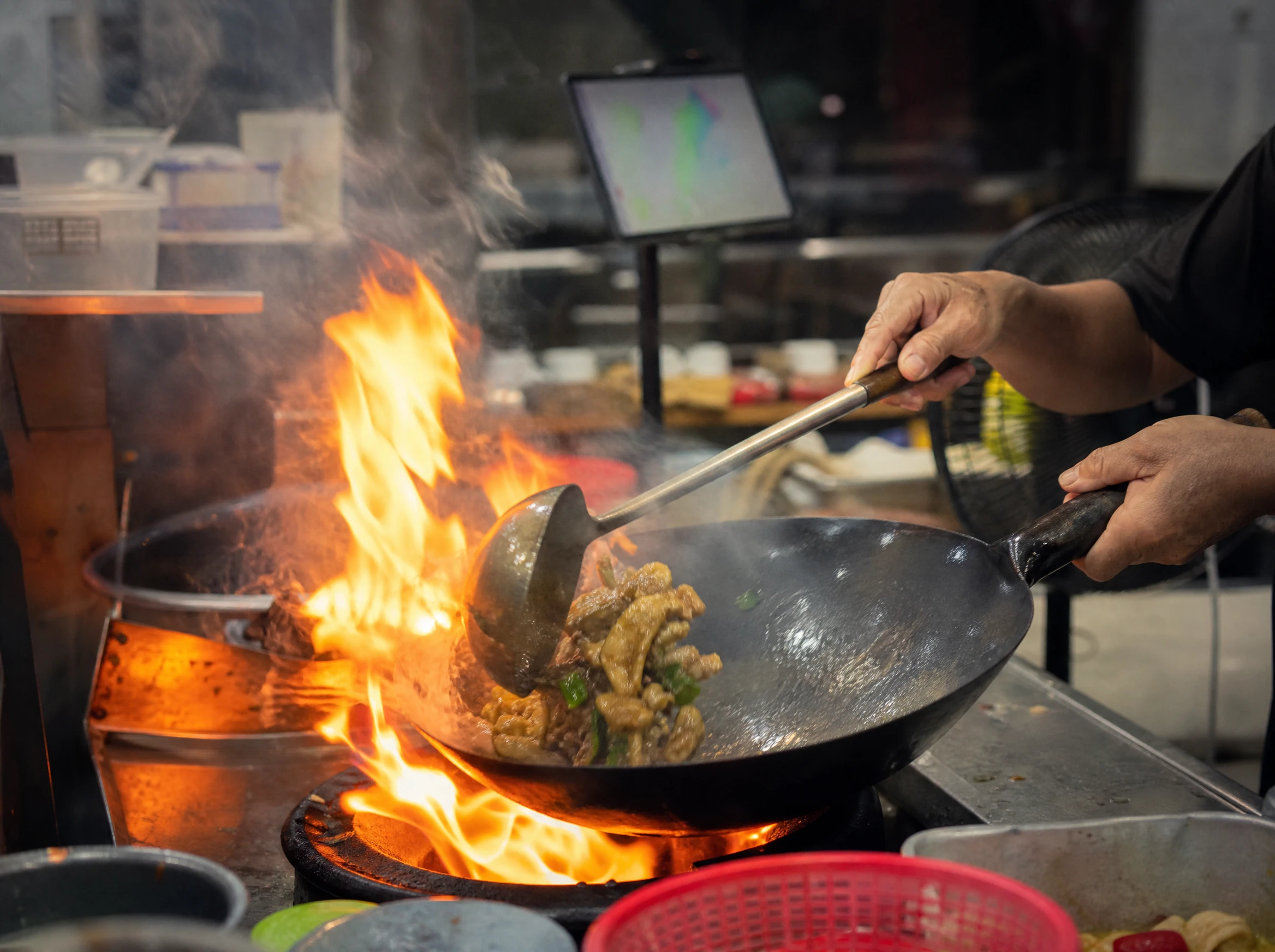
It looks like a tablet you already own, mounted somewhere near the pass, showing orders in columns instead of a printer spitting out slips. Hidangi's Kitchen Mode is built specifically for this: it's an adaptive view for an iPad or Android tablet that arranges orders into multi-column lanes so a busy kitchen can see Pending, Preparing, and Served at once without scrolling through a single list.
Two practical details matter more than they sound like they should:
- Keep-awake screen. A kitchen tablet that locks itself mid-service is worse than useless, so Kitchen Mode keeps the display active.
- Runs on tablets you already have. There's no proprietary terminal to buy — it's the same class of iPad or Android tablet you'd use for anything else, repurposed for the pass.
How much does a KDS cost, compared to paper or a big commercial terminal?
This is the part worth being concrete about, because "kitchen display system" as a phrase usually conjures the large, wall-mounted, proprietary-hardware version that commercial kitchens use — and that's a different purchase entirely from a tablet-based one.
| Method | Typical cost | Setup effort | Who it fits |
|---|---|---|---|
| Paper tickets | Cost of paper and a pen | None | Very small kitchens, one or two cooks, low order volume |
| Tablet-based KDS (e.g. Hidangi Kitchen Mode) | Uses a tablet you already own; a simple stand | Minutes — open the app, mount the tablet | Small-to-mid restaurants and warung that already run digital ordering |
| Big commercial KDS terminal | Dedicated hardware purchase, often per-station | Installation, wiring, staff retraining | Larger kitchens with multiple stations and high, sustained volume |
The honest takeaway: if you're already taking orders digitally, a tablet-based KDS is close to free to try, because the hardware cost is zero — you're repurposing a screen you own. The big commercial terminal only starts to make sense once a kitchen has enough stations and volume that a tablet's screen size becomes the actual bottleneck.
What happens if an order just sits there and nobody notices?
This is arguably the single biggest gap paper leaves open — a ticket that nobody looks at doesn't do anything about it. Hidangi's answer is unattended-order escalation: if an order sits without being acted on, alerts push out to on-duty staff devices at 1, 3, and 5 minutes. Nobody has to remember to check; the system nudges rather than silently letting an order age past the point where a guest starts wondering where their food is.
How do you train new staff on a KDS without risking real orders?
Rolling out any new system on a live, busy shift is a good way to make that shift worse. Hidangi's Test Mode lets an owner place up to 10 practice orders a day that never touch real analytics or quotas — so new staff can walk through accepting, preparing, rejecting, and serving orders on the actual screen they'll use, before a real guest's order is on the line.
Frequently Asked Questions
Does a KDS replace the need for a cook to read the order? No — someone still has to read and prepare the dish. A KDS changes how the order is displayed and tracked, not who cooks it.
Can I still use paper tickets alongside a tablet KDS? Nothing stops a kitchen from doing both during a transition, though the point of a KDS is that once staff trust the screen, the paper backup usually falls away on its own.
Do I need a special tablet or hardware to run a KDS? For a tablet-based system like Hidangi's Kitchen Mode, no — it's designed to run on an iPad or Android tablet you already own, not a proprietary terminal.
Is a KDS only worth it for restaurants with a delivery or online-payment setup? No. Hidangi's Kitchen Mode is about order status and kitchen communication — it has nothing to do with how or where a guest pays, and Hidangi customers pay at the counter as usual.
How do I try it without risking a real order going wrong? Use Test Mode first — up to 10 practice orders a day that don't touch real analytics — so staff get comfortable with the screen before it's handling actual tables.
If any of the symptoms above sound familiar — missing tickets, unclear who's cooking what, a new hire who can't read the kitchen's shorthand yet — it's worth trying Hidangi's Kitchen Mode on a tablet you already have, in Test Mode first, and seeing whether it actually changes anything on a real shift.