· By The Hidangi Team
QR Ordering vs Taking Orders on WhatsApp: Which Is Actually Better for a Small Restaurant?
Short answer: WhatsApp ordering costs nothing and needs no setup, which is why so many small restaurants use it — but it puts every order on one person's phone with no structured tracking. QR ordering removes that single point of failure by sending each order straight to a kitchen board instead of a chat thread. Which one fits you depends mostly on how busy you already are.
Why do so many small restaurants take orders over WhatsApp?
Because it's free, everyone already has it installed, and it works today with zero setup. If you run a small warung, kedai kopi, or home-based catering business, WhatsApp ordering makes complete sense in the early days. There's no app to buy, no menu system to configure, no one to train. A customer messages you, you reply, done.
For a handful of orders a day, this is genuinely fine. The person answering messages knows every regular customer, can answer questions in real time, and a chat thread is easy enough to scroll through when there's only one conversation happening.
What actually goes wrong with WhatsApp ordering as you get busier?
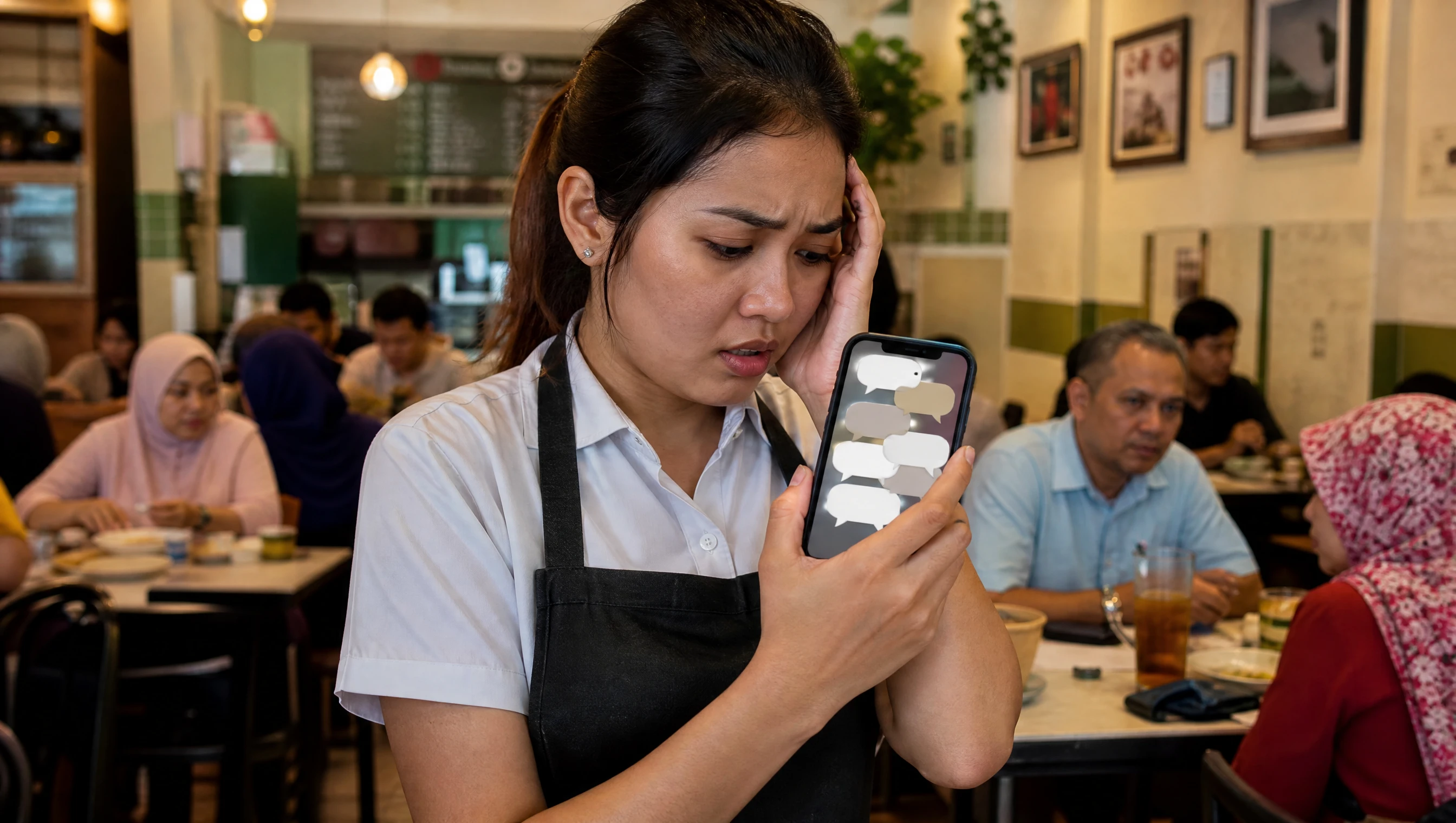
The core problem is that WhatsApp was built for conversations, not order queues — so once messages come in faster than one person can read them, orders start slipping through the cracks. A message asking "table 4, can I get the nasi lemak without egg" looks identical in your notification list to a supplier asking about a delivery, a regular customer just saying hi, or someone asking if you're open on a public holiday. There's no way to tell, at a glance, which chats are actual orders waiting to be cooked.
It also all depends on one phone and one person. If that staff member is busy taking a walk-in's order, plating food, or their phone is on silent in the kitchen, incoming order messages simply wait — sometimes long enough that the customer gives up and walks in to ask what happened. There's no dashboard showing what's pending, what's already cooking, and what's been served. Everything lives in your head or in a scroll-back through chat history.
How does QR ordering work differently?
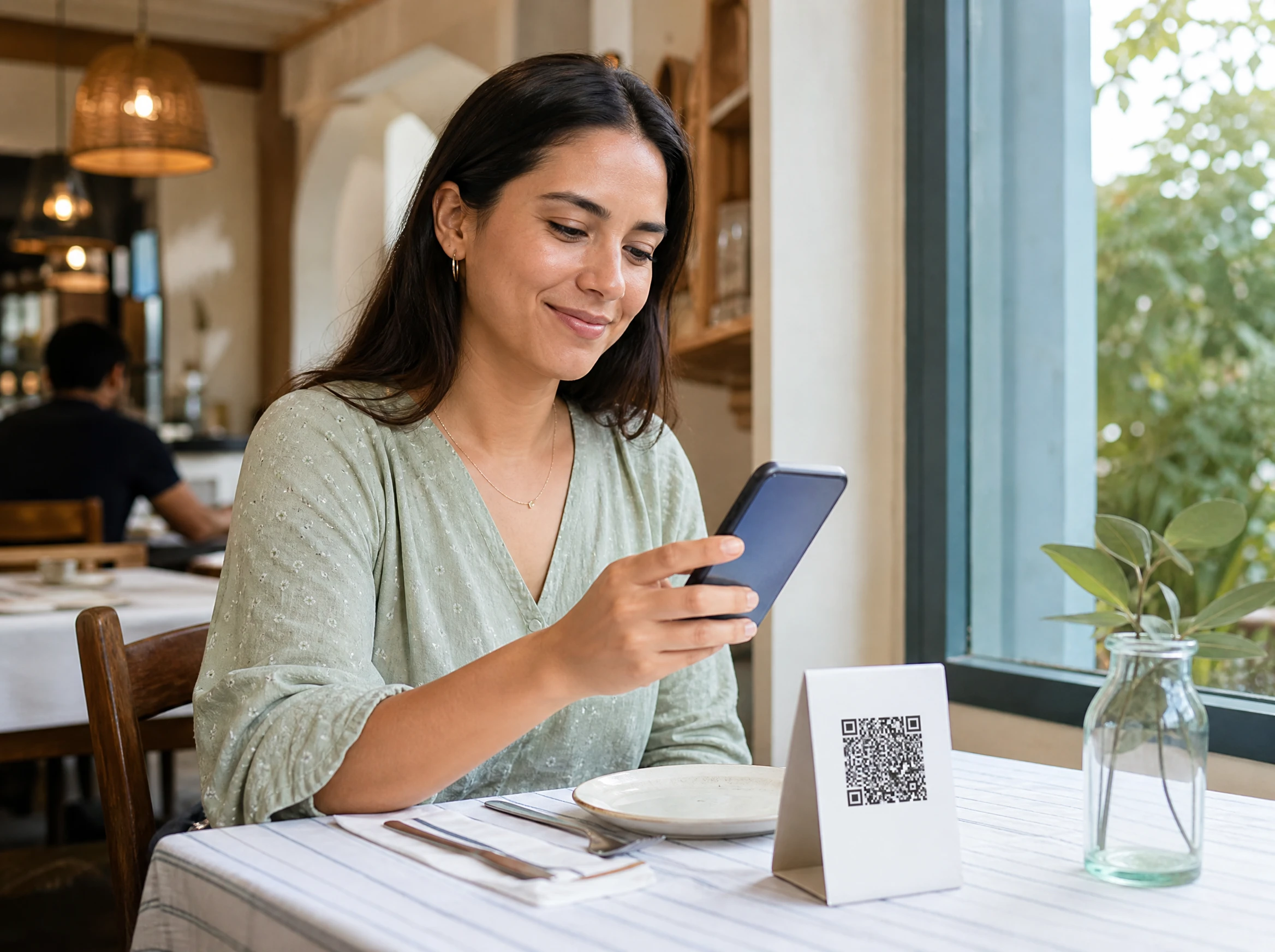
Instead of a chat message, the guest scans a QR code on their table, which opens a normal web page — no app download, no adding a contact, no WhatsApp required. They browse a proper menu with photos and categories, add items to a cart, and place the order with just their phone number — no OTP, no account to create.
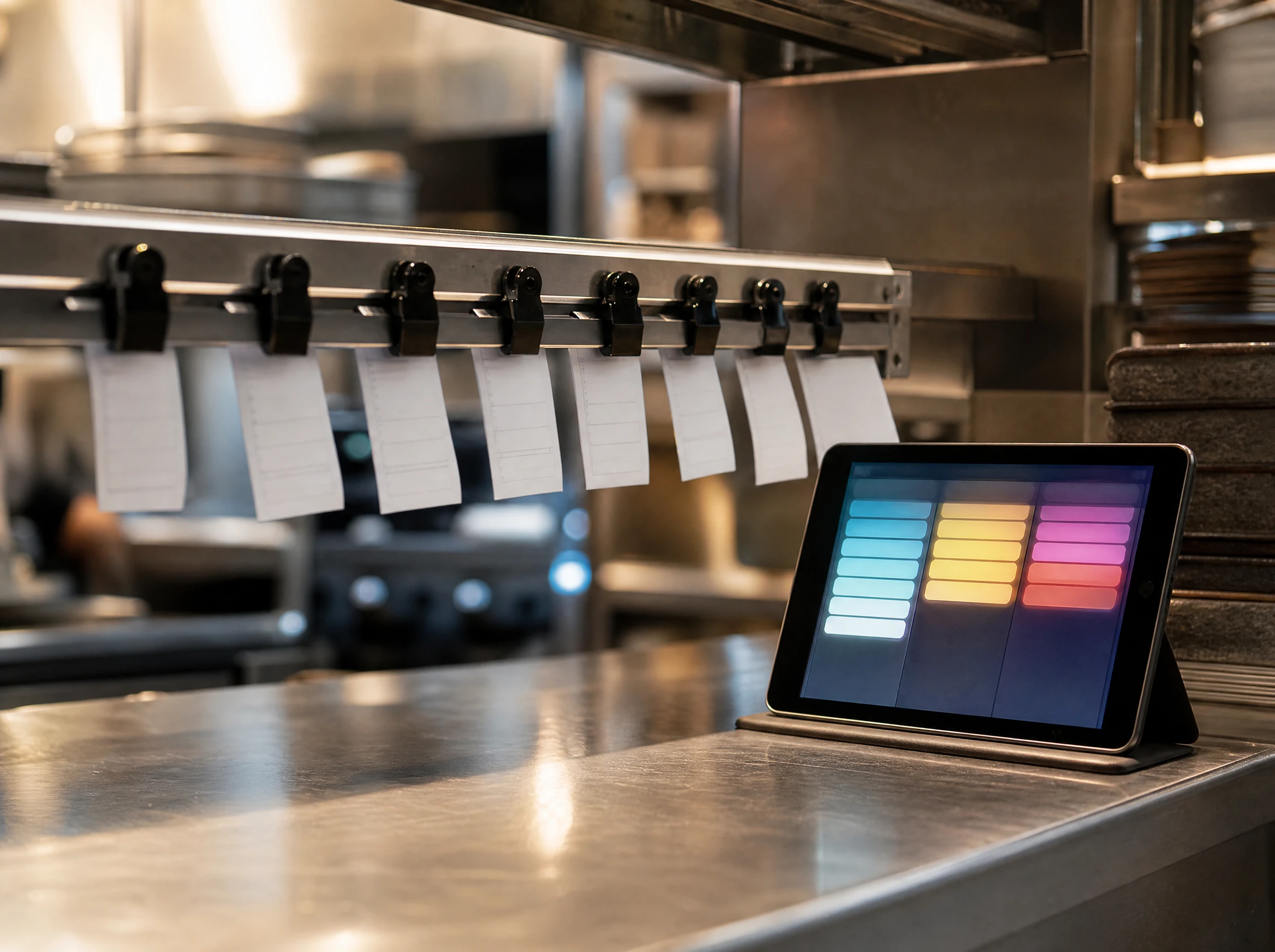
That order doesn't land in anyone's personal chat. It goes straight to a structured kitchen order board with clear stages — Pending, then Preparing once someone accepts it, then Served — so whoever is running the floor can see every open order at a glance instead of hunting through messages. If an order sits too long without being picked up, Hidangi flags it as unattended so it doesn't quietly get missed the way a buried WhatsApp message would.
WhatsApp ordering vs QR ordering: a side-by-side comparison
| WhatsApp ordering | QR ordering (Hidangi) | |
|---|---|---|
| Cost to start | Free — just your existing phone number | Free app download; subscription covers ongoing use |
| Who it depends on | One phone, one person reading chats | Anyone on shift can check the order board |
| Order visibility / tracking | Buried inside a chat thread with everything else | Structured board: Pending → Preparing → Served |
| Scaling with volume | Gets harder fast — more tables, more chats to juggle | Each table orders independently through its own QR |
| Mistakes / missed orders | Easy to lose an order among unrelated messages | Unattended-order alerts if something sits too long |
| Guest experience | Needs WhatsApp installed, has to type out the order | Scan, browse a normal menu page, order — no app needed |
WhatsApp ordering is probably fine if...
- You're taking a small, predictable number of orders per day
- The same one or two people are always available to watch the phone
- Most of your customers are regulars who order the same few things
- You don't yet need a paper trail of what was ordered and when
You'll likely outgrow it when...
- Orders start arriving faster than one person can read and reply to messages
- You've had a guest wait too long because their message got buried
- You want to know, at a glance, what's pending versus already being cooked
- You're adding tables or seats and one phone can no longer keep up
- You want guests to browse a real menu with photos instead of texting item names
Frequently Asked Questions
Does Hidangi send or receive WhatsApp messages? No. Hidangi does not integrate with WhatsApp for ordering in any way. This comparison is about two different workflows — informal chat-based ordering that many small restaurants already do manually, versus Hidangi's own structured QR ordering system.
Do guests need to download an app to order with Hidangi? No. Guests scan the table QR code and order from a responsive web page in their phone's browser. Nothing to install, no account, no OTP — just a phone number to place the order.
Does Hidangi process the payment? No. Guests always pay at the counter after eating, exactly as they do today. Hidangi handles the ordering and kitchen workflow, not payment processing.
Can I still use WhatsApp for anything once I switch to QR ordering? Of course — WhatsApp is still useful for the things it's good at, like answering customer questions or coordinating with staff. The comparison here is specifically about order-taking, not about dropping WhatsApp from your life entirely.
Is QR ordering only useful for busy restaurants? It helps most once volume picks up, but even smaller restaurants benefit from having orders land somewhere structured rather than mixed in with everyday chats — especially during peak hours like lunch or dinner rush.
If juggling orders on one phone is starting to feel like the bottleneck in your service, it might be worth seeing what a structured order board looks like for a shift. No pressure — just something to compare against what you're doing now.