· By The Hidangi Team
Full POS vs a Simple QR Ordering System: What Does a One-Person Restaurant Really Need?
A full POS bundles payment processing, inventory tracking, staff scheduling, and hardware into one system, built for restaurants running multiple staff or outlets. A simple QR ordering system does one job well — get the order from the table to the kitchen — and leaves payment exactly where it already works: the counter. The right pick depends on how many people actually run your restaurant.
What's the actual difference between a full POS and a QR ordering system?
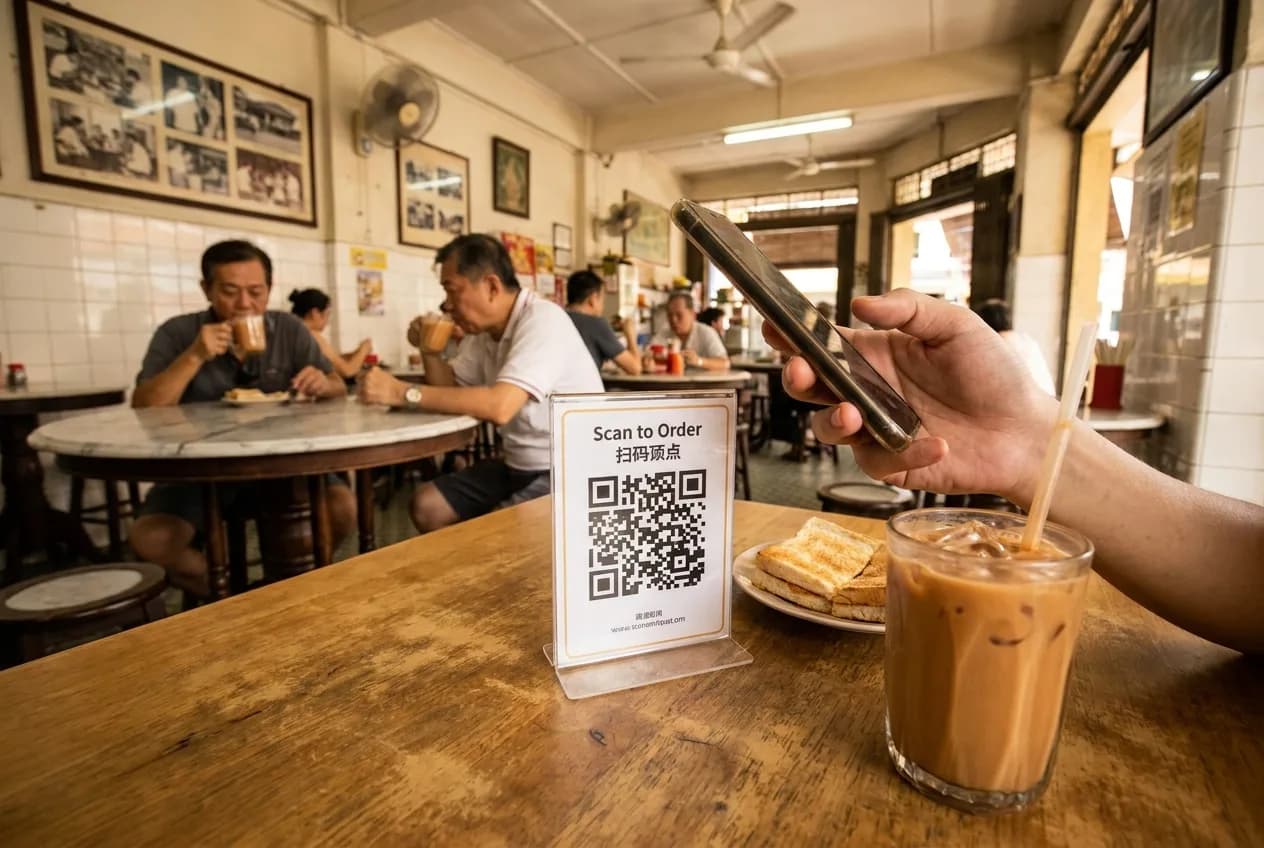
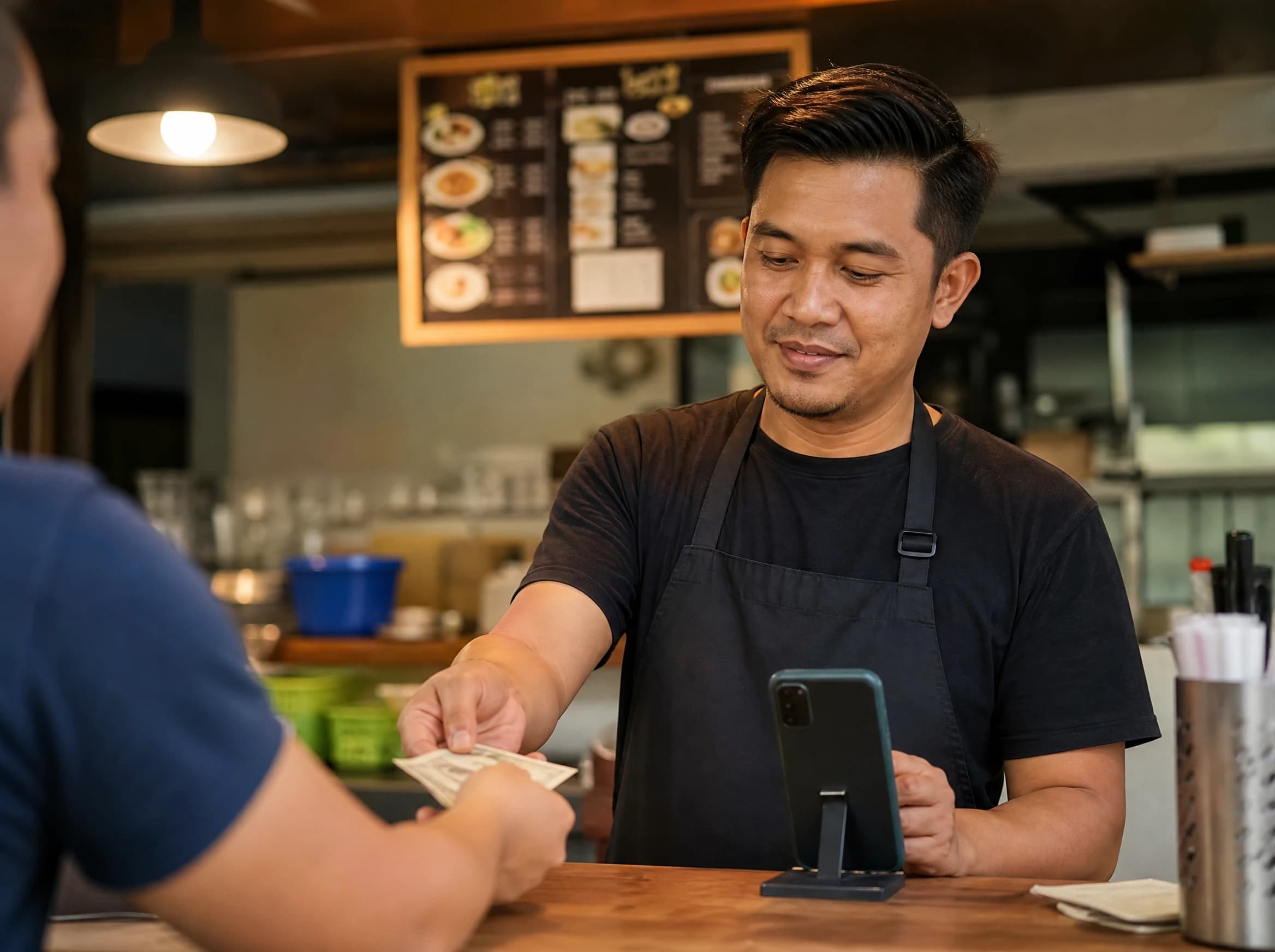
A full POS is an all-in-one system that also processes payment, tracks stock, and manages staff shifts — it usually needs a terminal, a cash drawer, and sometimes a receipt printer. A simple QR ordering system only handles the ordering step: a guest scans the table QR, orders from a normal web page, and the ticket lands on a kitchen screen. No app or OTP for the guest, no card reader, no gateway. The guest still pays the way they always have — cash or a card at the counter — once they're done eating.
That's not a missing feature bolted on later. It's a deliberate line: ordering is a software problem (show the menu, capture the choice, get it to the kitchen fast), while payment is a compliance-and-hardware problem (settlement, reconciliation, chargebacks, a physical till). A system that tries to do both well often does neither cheaply.
Do I need a cash register or POS terminal to run QR ordering?
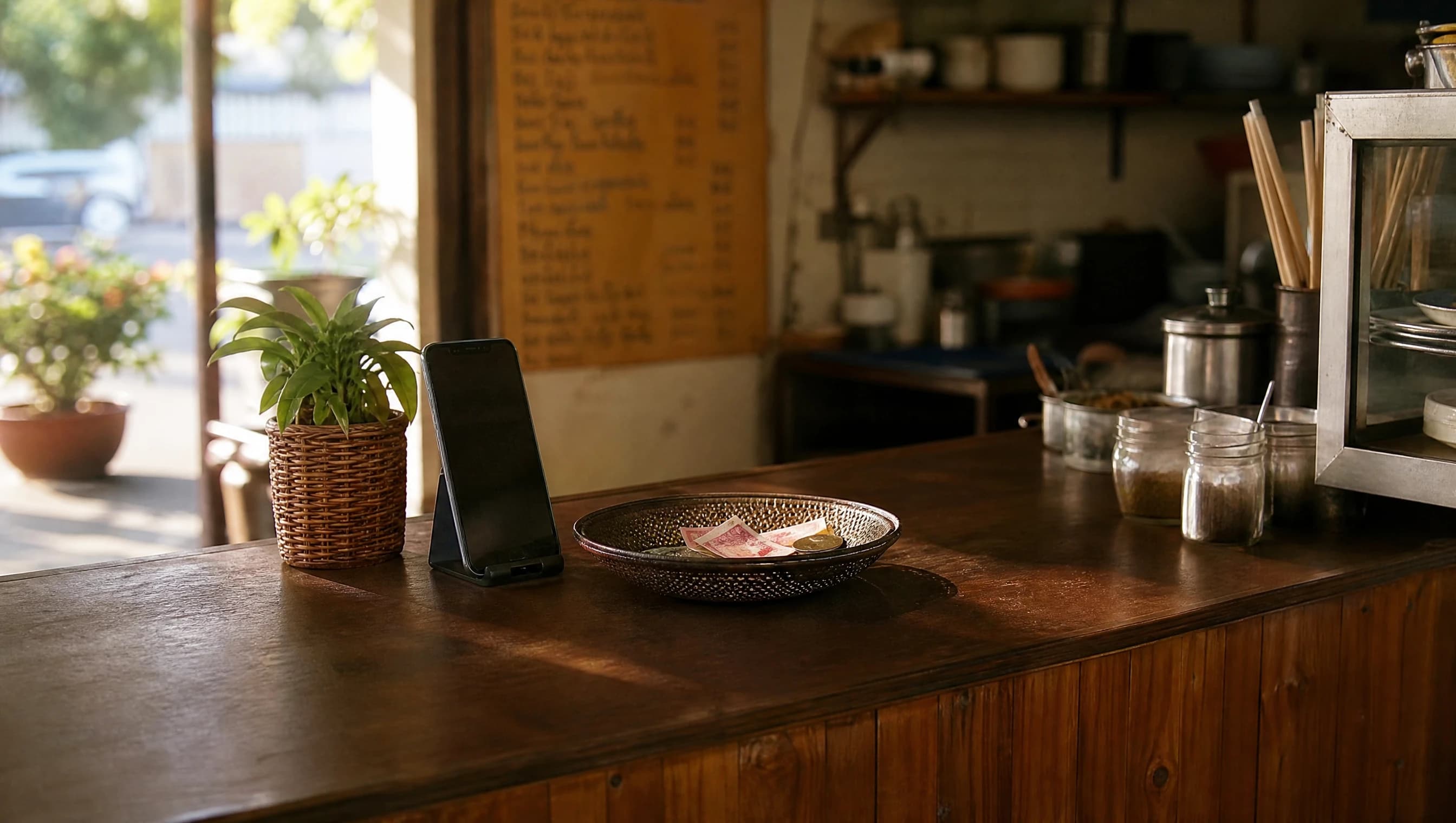
No — a QR ordering system runs on a phone or tablet you already own, with no terminal purchase required. The restaurant side (owner and kitchen staff) uses a free-to-download native app; there's no upfront hardware cost to get started. Guests order through a normal web page after scanning a table QR code, so they don't need to download anything either. Whatever you use today to take cash or a card at the counter keeps working unchanged — the QR system doesn't touch that step at all.
What does a full POS do that a simple QR system doesn't?
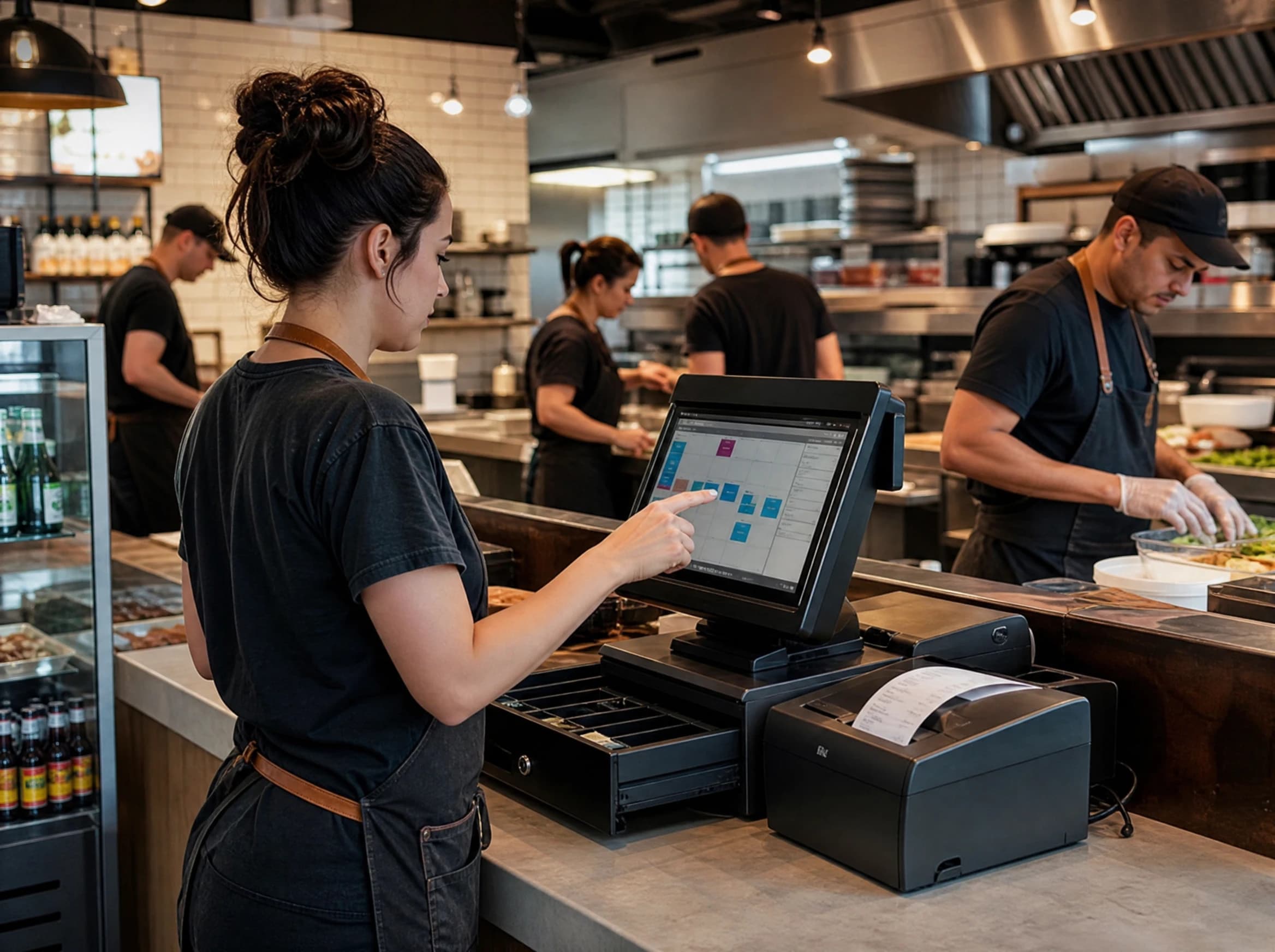
A full POS genuinely covers ground a simple ordering system was never built for: processing the payment itself (card terminal, split bills, integrated gateway), tracking raw ingredient stock and triggering reorders, scheduling and clocking staff shifts, running multi-outlet reporting across several branches, and producing full accounting exports for a bookkeeper. If your restaurant is juggling three branches, a central kitchen, and a dozen staff on rotating shifts, that's real complexity a QR ordering layer alone won't resolve — you likely need the inventory and multi-outlet muscle a full POS provides.
What does a simple QR ordering system solve well?
It solves the part of daily operations that's actually painful for a one- or two-person team: taking the order accurately and getting it to the kitchen without a server relaying it by memory. A guest scans the QR at their table and orders directly; the ticket appears on a kitchen order board where staff can Accept, Reject, or mark it Served, with a tablet-friendly Kitchen Mode for a busy pass. Paid plans include unlimited tables and menu items, so it scales with your seating without per-table fees. An analytics dashboard shows estimated sales, best sellers, and peak hours — useful signals without needing a full accounting system. AI tools help write menu descriptions and clean up dish photos, so the menu looks professional without a photographer. None of this touches payment; the guest still settles up at the counter.
Full POS vs Simple QR ordering system
| Full POS | Simple QR ordering system | |
|---|---|---|
| Setup cost/effort | Higher — hardware purchase, install, staff training | Low — free app download, print/place QR codes, done same day |
| Hardware needed | Terminal, cash drawer, often a receipt printer | Just a phone or tablet you already have |
| Payment handling | Processes payment directly (card, split bills, gateway) | None — guest pays at the counter as usual |
| Best fit | Multiple outlets, larger staff, inventory-heavy kitchens | Independent restaurants run by one or two people |
| Learning curve | Days of staff training, ongoing admin | Minutes — scan, order, accept on the kitchen screen |
Which one do you actually need?
You probably need a full POS if:
- You run more than one outlet and need combined reporting across branches
- You track raw ingredient stock and need automatic reorder alerts
- You have staff on rotating shifts and need built-in scheduling and clock-in
- You want the payment terminal and your order system to be the same device
- You need detailed accounting exports for a bookkeeper or accountant
A simple QR ordering system is probably enough if:
- You or a partner run the counter yourselves, with little or no extra staff
- Your biggest daily friction is orders getting mixed up or lost between table and kitchen
- You already have a way to take cash or card payment and don't want to replace it
- You want to look professional (clean menu photos, a proper kitchen board) without new hardware
- You'd rather start today than wait on a POS installation and training schedule
Frequently Asked Questions
Can I use a simple QR ordering system and add a full POS later? Yes. Since a QR ordering system doesn't touch payment, it doesn't lock you into any particular till or terminal. If you later open a second outlet or need inventory tracking, you can adopt a full POS for those functions without ripping out how ordering works.
Does a QR ordering system replace my till or cash drawer? No. It only replaces the step where a server takes a verbal order and writes it down or shouts it to the kitchen. Your existing cash tray, card machine, or till keeps working exactly as it does now.
Is a QR ordering system only for very small restaurants? It's built around and best suited to independent restaurants and small teams — typically one or two people running the operation, not multi-outlet chains. If that describes you, it's likely to cover what you need without the overhead of a full POS.
Do guests need to download an app to order? No. Guests scan the table QR code and order from a regular web page in their phone's browser — no app install and no OTP required on their end.
Will a QR ordering system show me my restaurant's revenue? It shows estimated sales based on what's marked served, plus best sellers and peak hours, since no payment passes through the system to confirm an exact figure. For full accounting and confirmed revenue reporting, that's one of the areas a full POS is built for.
If your counter is run by one or two people and the real daily pain is orders getting lost between the table and the kitchen, a simple QR ordering system like Hidangi is worth trying before you commit to a full POS installation. If you're juggling multiple outlets or need inventory and staff scheduling built in, a full POS is the honest answer — and that's fine too.