· By The Hidangi Team
QR Code Ordering System for Small Restaurants in Malaysia: The Complete 2026 Guide
A QR code ordering system lets a restaurant guest scan a code at their table, browse the menu on their own phone, and send their order straight to the kitchen — without installing an app or waiting for a server to take it down on paper. The guest still pays at the counter after eating, exactly as before.
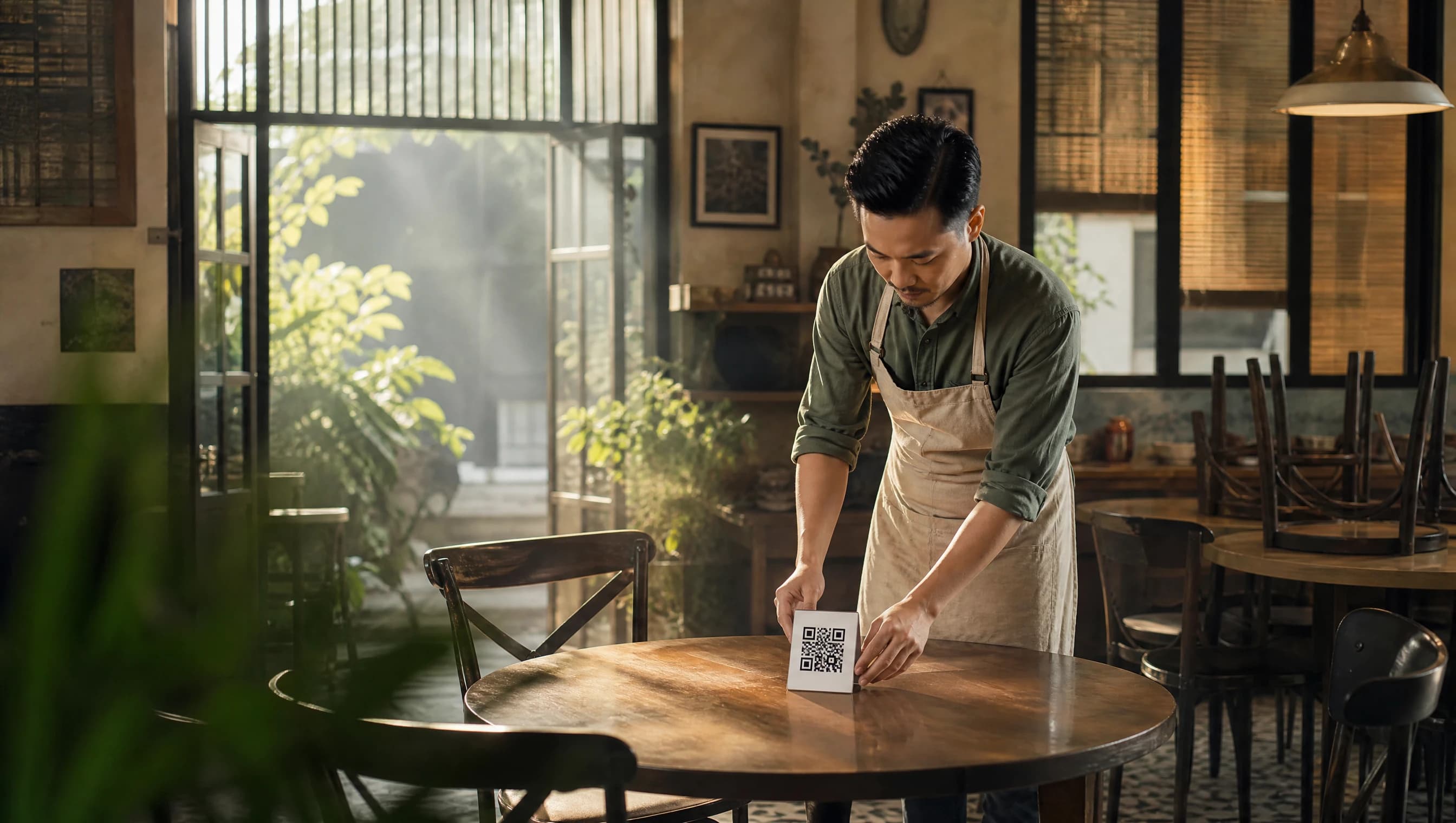
For a small kedai kopi, café, or restoran running with one or two pairs of hands, that one change — order capture moving from a notepad to a phone — removes a surprising amount of friction from a busy shift. This guide covers how it actually works, what it costs, and what to check before you commit to one.
What is a QR code ordering system?
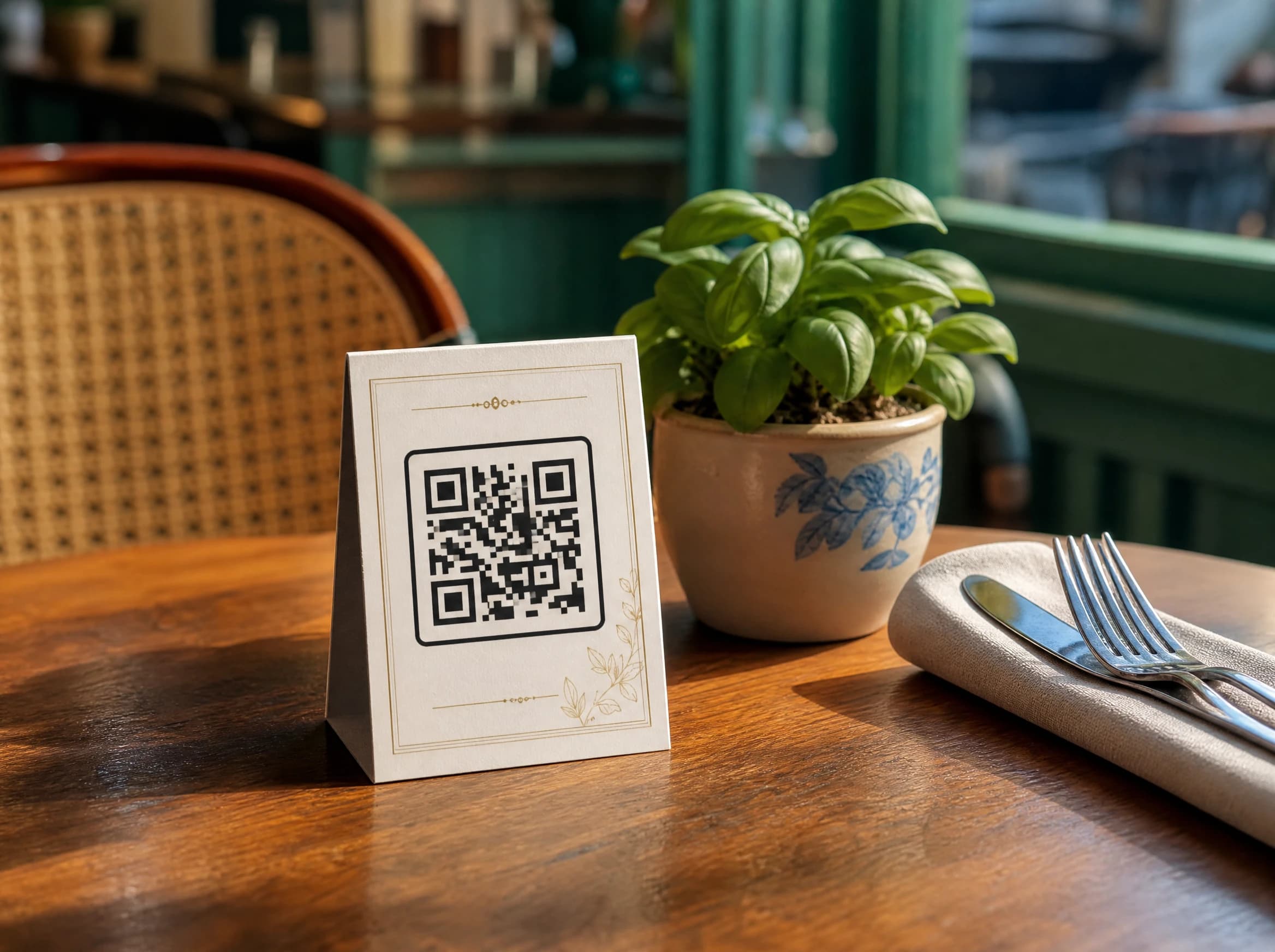
A QR code ordering system replaces (or supplements) a paper menu and a server writing down orders with a printed QR code that opens a digital menu on the guest's own phone. Each code is usually tied to a specific table, so when an order comes in, the kitchen or counter knows exactly where it's going. The guest never downloads anything — scanning the code opens a normal web page in their existing browser.
This is different from a full point-of-sale (POS) system, which usually also handles payment processing, inventory, and staff scheduling. A QR ordering system is narrower by design: its job is to get an accurate order from the guest's phone to the kitchen as fast as possible.
How does QR ordering work for a guest?
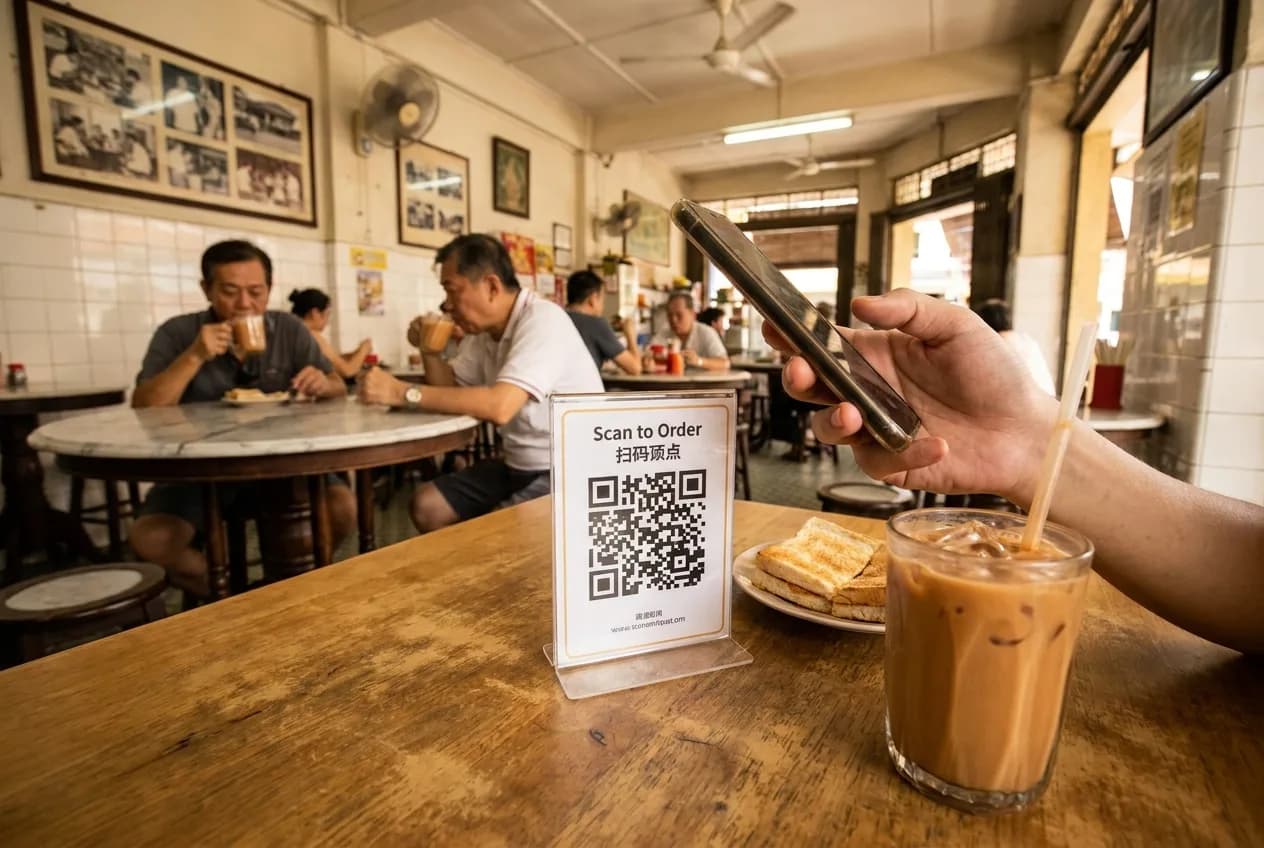
A guest opens their phone camera, points it at the table-tent QR code, and taps the link that appears — no app store, no account creation. The steps typically look like this:
- Scan the table's QR code with the phone camera (no app install).
- Browse a menu with photos and prices, organised by category.
- Add items to a cart and enter just a phone number to place the order — no OTP, no password, no account needed.
- Receive a link to a private order-tracking page showing the order status.
- If someone else at the table wants to order separately (or the table orders again later in the meal), they can place another order the same way — the system keeps each order tied to the same table session.
- Pay at the counter when the meal is done, the same way guests always have.
Because the menu is a responsive web page rather than a native app, it works the same whether the guest has an iPhone or an Android phone, and there's nothing to install or update.
Does the restaurant need special equipment?
Not really — the main requirement is a way to print QR codes and a device for staff to see incoming orders:
- A printed QR code per table (a simple table-tent card is enough).
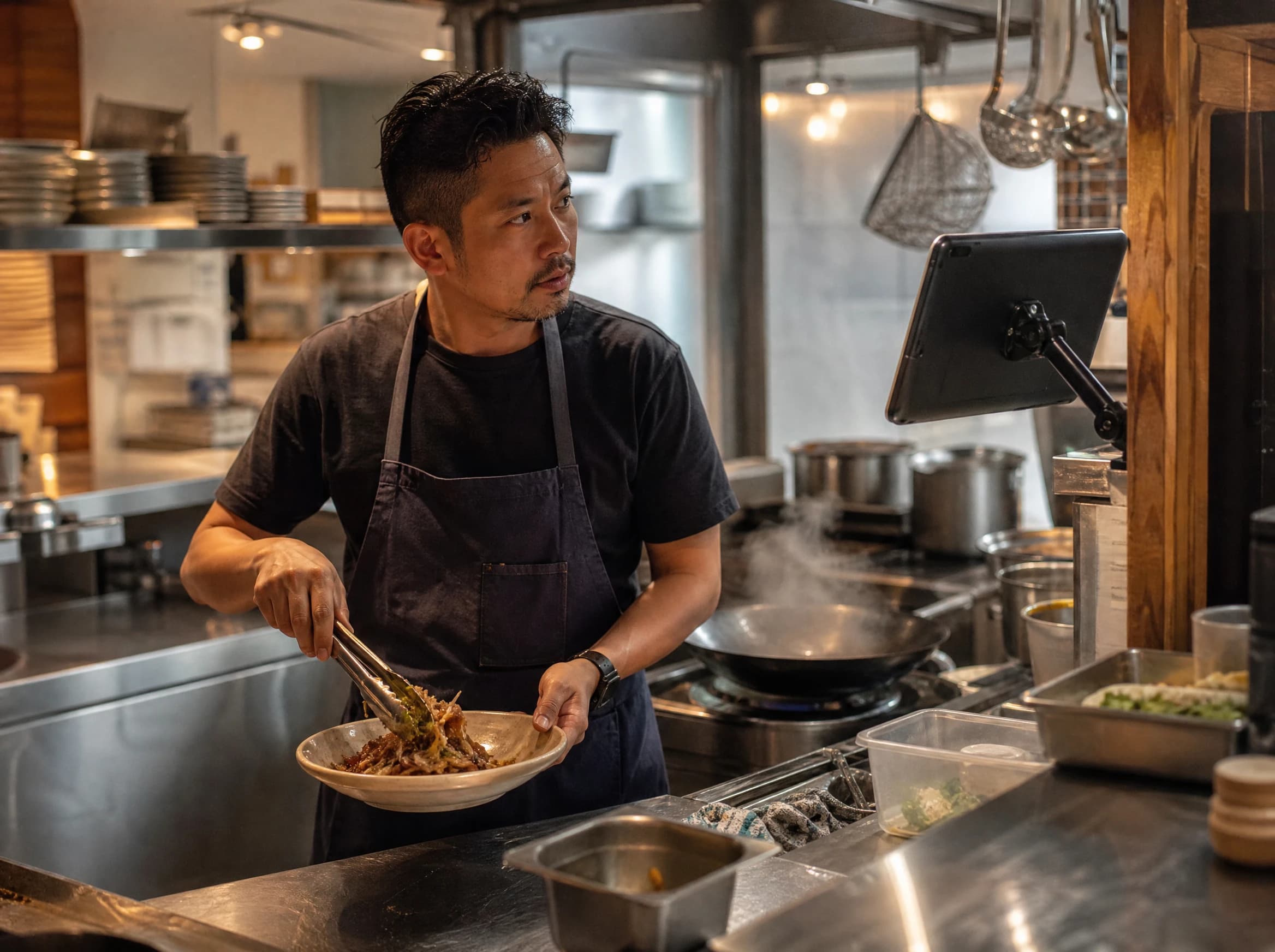
- A phone or tablet at the counter or kitchen pass where staff can see and act on incoming tickets.
- A free restaurant-side app (iOS or Android) for managing the menu, tables, and orders — no upfront cost to download it.
No special router, printer, or point-of-sale terminal required. A restaurant can realistically go from "never done this before" to taking its first QR order within a single setup session.
What about payment — does the app collect the money?
No. This is one of the most common misconceptions about QR ordering, so it's worth stating plainly: a QR ordering system like Hidangi does not process payment. There is no payment gateway and no merchant account involved in placing an order. The guest orders through the QR menu, the kitchen prepares it, and the guest pays at the counter after eating, exactly as they would with a paper menu. This keeps setup simple — there's no waiting on payment processor approval or bank account verification before you can start taking orders.
How does the kitchen and counter staff use it?
Orders appear on the staff-facing app in something like a kitchen display, where staff mark each one accepted and update its status as it's prepared and served. When a table is completely finished — food served, guest ready to pay and leave — staff close out that table, clearing it for the next guest. If several people at one table each placed their own order during the meal, all of those orders roll up under that same table until it's closed.
Is it worth it for a small, independent restaurant?
For many small operators, yes — mainly because it cuts the time staff spend walking back and forth to take and relay orders, and removes the chance of a mishear or a misread scrawl on a docket. It isn't free of trade-offs: some guests, particularly older customers, still prefer asking a person, and a very small restaurant may not feel much difference. It tends to help most in busier, table-turnover-driven settings — cafés, casual dining, and kopitiams with steady walk-in traffic.
QR ordering vs. traditional order-taking
| Traditional (paper/verbal) | QR code ordering | |
|---|---|---|
| How the guest orders | Tells a server, who writes it down | Scans a code, orders on their own phone |
| Risk of mis-heard/misread orders | Higher — relies on handwriting or memory | Lower — guest selects exact items themselves |
| App required for the guest | No | No — responsive web page, no install |
| How the guest pays | At the counter | At the counter (unchanged) |
| Setup equipment | Paper menus, order pads | Printed QR codes, one staff device |
| Menu updates | Reprint physical menus | Edit items in the app instantly |
What should a small restaurant look for in a QR ordering tool?
The essentials: a table-specific code that can be revoked or reissued if a card goes missing, a menu one person can update from a phone, and a flow that doesn't force guests to create an account. A few questions worth asking any provider:
- Can a QR code be revoked and replaced if a table-tent card is lost or damaged?
- Does the guest need to install anything, sign up, or verify an OTP just to place an order?
- Is there a free tier to try it with a real, limited menu before committing to a paid plan?
- Does it clearly separate "taking the order" from "processing the payment," or does it try to become a payment provider too?
Hidangi, for instance, gives each table a revocable QR code, lets guests order with just a phone number and no OTP, and includes a free plan (30 menu items and 300 orders a month) so a small kopitiam can try the whole flow before paying anything. Paid plans lift those limits to unlimited tables and menu items. Payment always stays at the counter — Hidangi never touches the money.
Frequently Asked Questions
Does a guest need to download an app to order with a QR code? No. Guests scan the table's QR code with their phone camera, which opens a regular web page — there's nothing to install and no account to create.
How does the guest pay if the order goes through a QR menu? The guest still pays at the counter after eating, exactly as they would with a normal paper menu. The QR ordering system only handles taking the order, not processing payment.
Can more than one person at a table order separately? Yes. Each guest can scan the same table's QR code and place their own order — the system keeps every order from that table together until staff close the table out.
What happens if a table's QR code card gets lost or damaged? A table-specific QR code can be revoked and a new one issued, so a lost or worn-out card doesn't create a security or ordering problem.
Is there a free way to try QR ordering before paying for it? Yes — many tools, including Hidangi, offer a free tier with a capped number of menu items and monthly orders, which is usually enough for a small restaurant to test the full flow with real guests.
If you're weighing whether QR ordering fits a small restaurant, café, or kopitiam, Hidangi is built around exactly that setup — free apps, a revocable table QR, no guest account, and payment left where it already works: at your counter.