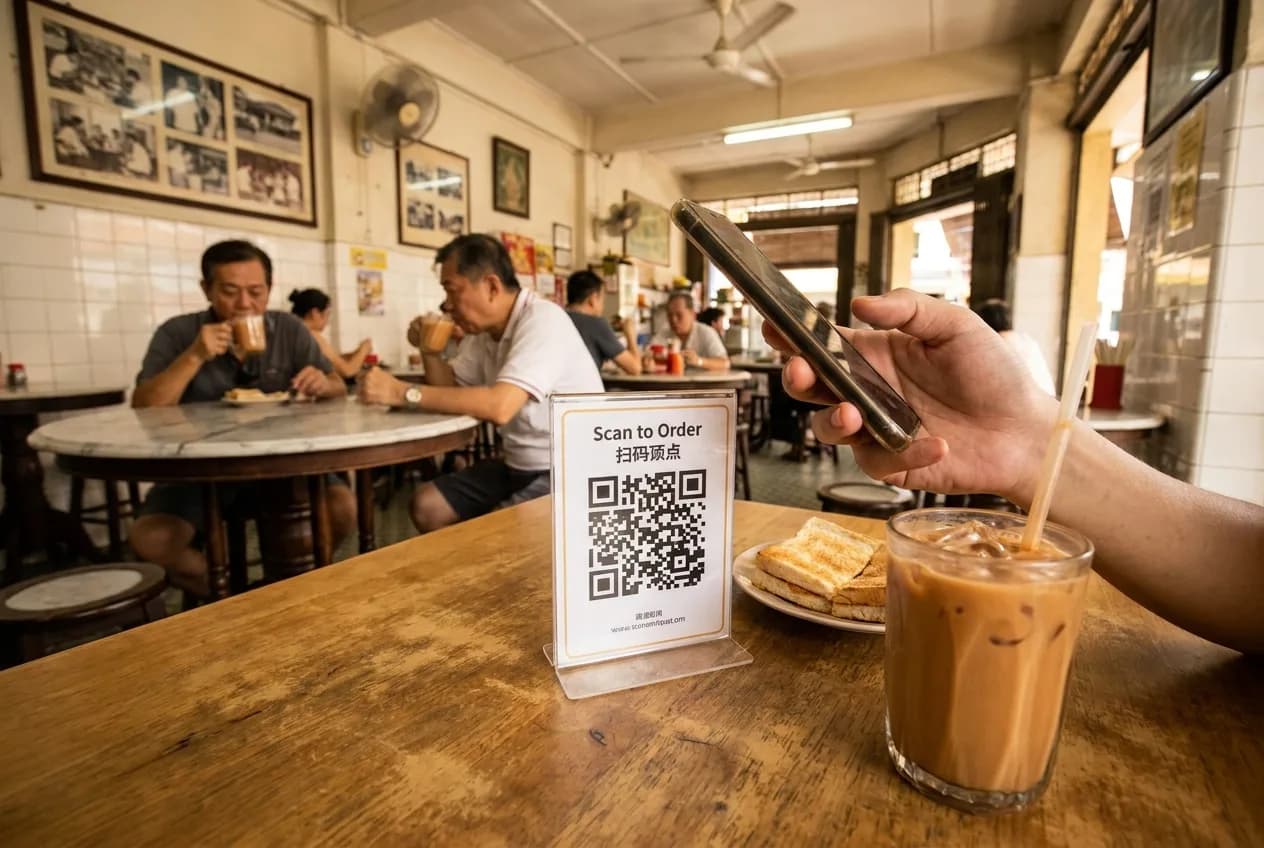
· By The Hidangi Team
Writing a QR Menu That Works for Tourists and Regulars
A QR menu doesn't automatically translate itself for whoever happens to scan it. The page chrome — buttons, cart, checkout — is in English, but every item and category name is displayed exactly as the restaurant typed it, in whatever language or mix of languages that is. That's actually the useful part: it means the restaurant, not the software, decides how to describe a dish — which matters a lot when the same table might seat a regular who already knows the menu by heart and a tourist seeing it for the first time.
Why doesn't the menu just auto-translate?
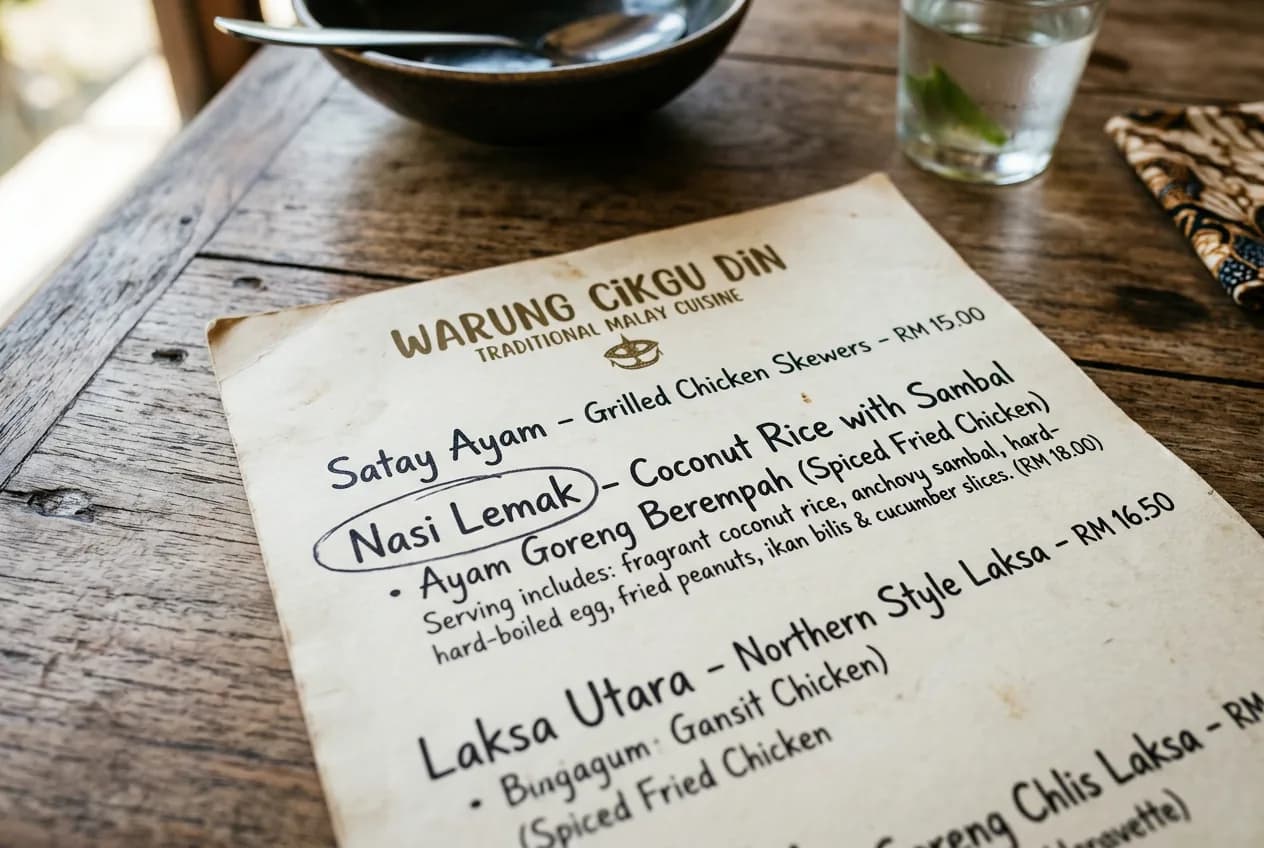
Because machine translation of dish names goes wrong constantly — "sambal" doesn't mean anything useful translated literally, and a name like "ayam percik" loses everything that makes a guest want to order it if it's flattened into generic English. Leaving the copy entirely in the restaurant's hands means a dish can be named exactly the way the kitchen actually thinks of it, then explained for anyone who needs it.
So how should a name be written for a mixed crowd?
The pattern that works well for most Malaysian menus is: local name first, short plain-English explainer second, inside the same item name or description field. For example:
- "Nasi Lemak — coconut rice, sambal, fried anchovies, egg, peanuts"
- "Ayam Percik — grilled chicken with a spiced coconut glaze"
- "Cendol — shaved ice dessert with palm sugar and coconut milk"
A regular reads the first few words and already knows exactly what they're getting. A tourist gets enough context in the same glance to order with confidence instead of guessing or asking a server to explain every item.
What about spice level, allergens, and dietary notes?
Add them the same way — as plain, short text in the item description, not a separate system a guest has to learn. "Contains peanuts," "very spicy," or "no pork/lard" written directly into the description does more for a nervous first-time guest than any icon system, because it reads the same regardless of who's looking at the page.
Does the currency or pricing format need separate handling?
No — a restaurant sets one base menu currency, and prices display in that currency's standard format automatically. There's nothing extra to configure per guest; everyone sees the same price in the same currency, exactly as with a printed menu.
Should photos carry the weight instead of text?
Photos help enormously, especially for a dish a tourist has never seen, but they work best alongside a short bilingual name rather than instead of one — a photo alone still leaves the price, spice level, and ingredients unclear.
Frequently Asked Questions
Does the QR menu automatically translate item names for foreign guests? No. There's no auto-translate — item and category names and descriptions display exactly as the restaurant enters them, in any language.
What's the simplest way to make a menu readable for both tourists and regulars? Put the local dish name first, followed by a short plain-English explainer in the same field — for example, "Nasi Lemak — coconut rice, sambal, fried anchovies, egg."
Can a restaurant list allergens or spice level on a QR menu? Yes, as plain text in the item description — there's no separate allergen system to configure.
Does the currency change automatically based on where a guest is browsing from? No — a restaurant sets one base menu currency, and every guest sees prices in that same currency, the same way a printed menu works.
Because Hidangi never rewrites what a restaurant types, the menu stays exactly as accurate — and exactly as local — as the person who wrote it intended.