· By The Hidangi Team
How to Train New Staff on a New Ordering System Without Risking Real Customer Orders (Test Mode)
Test Mode is a Hidangi feature that lets an owner place up to 10 practice orders a day that flow through the exact same order board as real customer orders — Pending, Accept, Served, Reject — but never touch your real analytics or your monthly order quota. It's how a new hire learns the system on day one without the fear of breaking something real.
What Is Test Mode, Exactly?
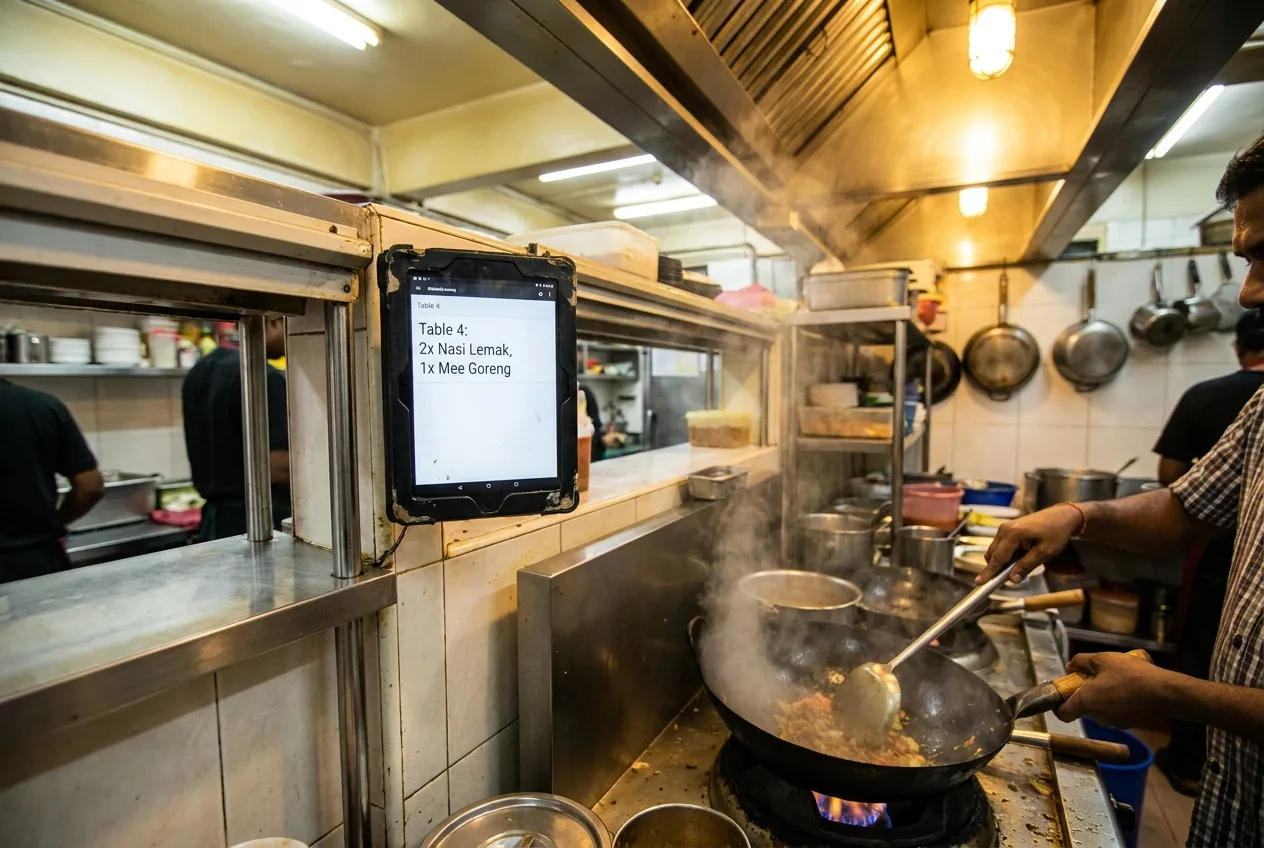
Test Mode is a switch the owner can turn on that generates practice orders — up to 10 a day — which land on the order board exactly like a real customer order would. The new hire sees a ticket appear, and they accept it, prepare it, mark it served, or reject it with a reason, all on the same screens and the same Kitchen Mode tablet they'll use for the rest of their shift. Nothing about the interface changes for practice; only what happens to the data behind it changes.
Why Does New-System Anxiety Matter on Day One?
Because the fastest way to lose confidence in a new hire is to hand them a live order on their first hour and let them fumble it in front of a customer. Most restaurants that switch from paper tickets or a walkie-talkie system to any kind of digital ordering hit the same wall: the staff member understands the idea in principle, but has never actually pressed the buttons under pressure. A wrong tap on a real ticket means a wrong dish goes out, a table waits longer than it should, or your sales numbers for the day quietly get thrown off. Test Mode removes that first-hour risk entirely — a new hire can make every possible mistake before a single real guest is affected.

What Can Staff Actually Practice in Test Mode?
They can practice the entire order lifecycle, start to finish, exactly as it happens during real service:
- Accepting an order and moving it from Pending into Preparing
- Rejecting an order with a reason — for example, an item that's out of stock — so they learn the correct reason to select, not just how to tap "reject"
- Marking an order as Served once it leaves the kitchen
- Using Kitchen Mode on a tablet, including how tickets appear, how they're organized, and how to clear a completed one
Because it's the same board and the same tablet, there's no separate "practice app" to later unlearn — what they practice on is what they'll use for real tables an hour later.
How Do Test Orders Differ From Real Orders?
They look and behave the same on the board, but they're handled completely separately once the shift is over — a test order never becomes part of your real numbers.
| Test order | Real order | |
|---|---|---|
| Counts toward your monthly order quota? | No | Yes |
| Shows up in Estimated Sales / analytics? | No | Yes |
| Visible to kitchen the same way (board, tablet)? | Yes | Yes |
How Do I Turn On Test Mode Before a New Hire's Shift?
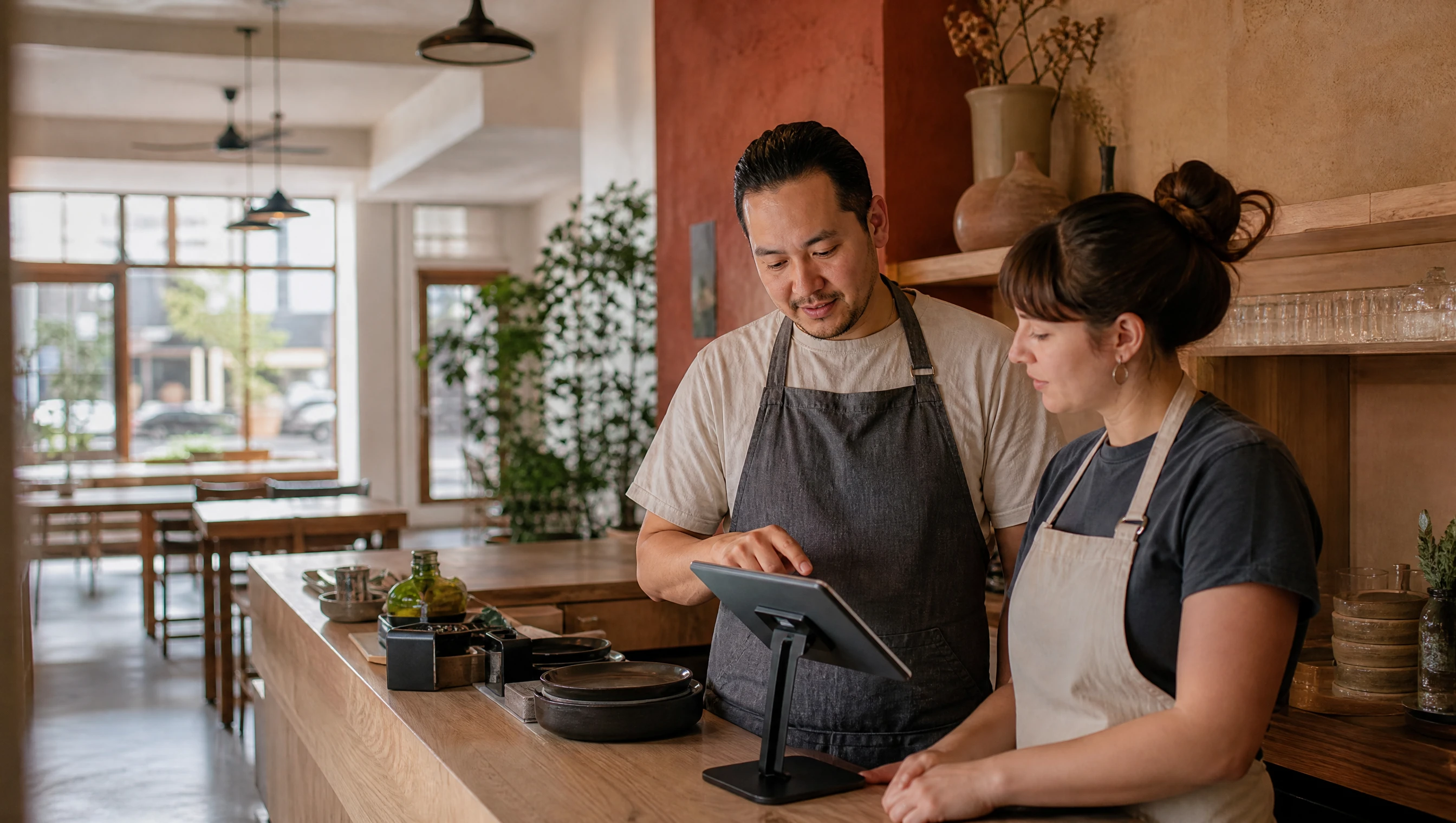
You switch it on from the owner app before the shift starts, place a few practice orders yourself (or have the new hire's trainer place them), and let the new hire work each one through to Served or Reject while you watch. Ten orders a day is enough to walk through every path — an accepted order, a rejected order with a reason, and a full Kitchen Mode cycle — more than once if needed, without any of it landing in your real sales figures.

Once the new hire has been through a few practice orders comfortably, they're ready for a real one — because it's the exact same screen they just learned on.
Frequently Asked Questions
How many test orders can I place per day? Up to 10 per day. That's enough to run a new hire through the full order flow — accept, reject with a reason, and serve — more than once in a single training session.
Do test orders affect my Estimated Sales? No. Test orders are explicitly excluded from your Estimated Sales and from all real analytics, so a training session never distorts your real numbers.
Do test orders count against my monthly order quota? No. Only real customer orders count toward your plan's monthly order quota. Practice orders placed in Test Mode don't touch it, so training a new hire never eats into what your plan allows.
Can staff tell the difference between a test and a real order on the kitchen screen? There's no separate "training mode" screen to learn — a test order appears on the board and the Kitchen Mode tablet exactly the way a real one would. That's the point: your new hire is learning on the real interface from the very first minute, not a simplified stand-in for it.
Who places the test orders — can staff do it themselves? The owner turns Test Mode on and places the practice orders; the new hire's job is to respond to them on the board and the kitchen tablet, the same way they'll respond to real customer orders afterward.
Bringing on new staff is always a little nerve-wracking on both sides of the counter. Test Mode just means the first mistakes happen on practice orders instead of a real guest's dinner.