· By The Hidangi Team
From Pending to Served: How Order Status Works in QR Ordering
Every order placed through a QR menu moves through a small, predictable set of states from the moment a guest submits it to the moment staff close out the table. Knowing what each state means — and who can see it change — makes it much easier to trust the system on a busy shift instead of wondering what's actually happening in the kitchen.
What are the order statuses, in order?
| Status | What it means | How it's reached |
|---|---|---|
| Pending | Order submitted, waiting for staff to accept it | Guest places the order |
| Preparing | Kitchen has accepted and is making the order | Staff taps Accept on a Pending order |
| Unattended | A Pending order sat untouched for 5 minutes | Automatic, if no one accepts in time |
| Rejected | Staff declined the order, or a specific item | Staff taps Reject on a Pending or Unattended order |
| Cancelled | The guest or staff cancelled before it was accepted | Manual cancel on a still-Pending order |
| Served | The kitchen has finished and the order is out | Staff marks the order Served |
Why does an order briefly show "Accepted" before Preparing?
The staff app may flash Accepted for a moment as visual confirmation that the tap registered, but the actual stored status jumps straight to Preparing — there's no separate lingering "Accepted, not yet started" state a guest could get stuck watching. The moment staff accept, the kitchen is treated as working on it.
What happens if no one accepts an order in time?
If a Pending order sits untouched for five minutes, it automatically becomes Unattended — a strong signal to staff, pinned at the top of the kitchen display and coloured to stand out, that something needs attention right now. An Unattended order can still be accepted (moving to Preparing) or rejected; it isn't lost, just flagged as overdue.
Can part of an order be rejected instead of the whole thing?
Yes. If the kitchen is out of one item, staff can reject that item specifically rather than the entire order — the total, any service charge, tax, and loyalty calculation all recalculate automatically, and the guest's order-tracking page shows exactly which item was rejected and why.
What does "closing a table" actually do?
Closing a table is the final step after every order at that table has been resolved — Pending and Unattended orders must be dealt with first. Closing finalizes loyalty based on the value of Served items only, clears the table for the next guest, and records that staff completed the visit after the guest paid at the counter. It doesn't process any payment itself; it's a record that the visit is done.
What does a guest see while all this is happening?
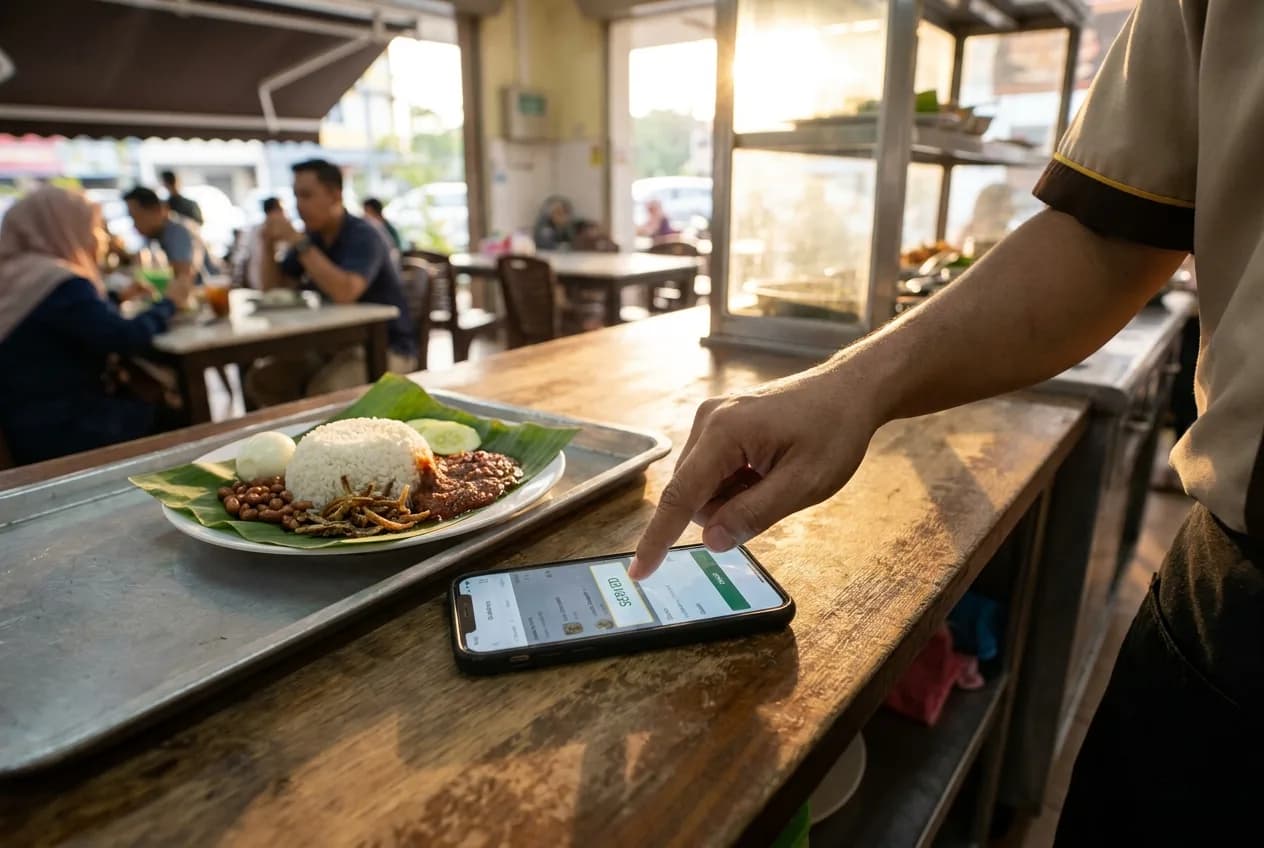
A private order-tracking page that reflects the same status in guest-friendly terms — submitted, being prepared, and served — without needing to refresh or ask a server for an update. If an item gets rejected, the guest sees which one and the reason staff gave, rather than just a total that quietly changed.
Frequently Asked Questions
What does "Unattended" mean on an order? It means a Pending order sat for 5 minutes without being accepted or rejected. It's still fully actionable — it's flagged, not lost.
Can staff reject just one item instead of a whole order? Yes. A partial rejection recalculates the order total and shows the guest exactly which item was declined and why.
Does closing a table process the guest's payment? No. Closing a table only records that the visit is complete after the guest paid at the counter — payment itself always happens separately, at the counter.
Does tax or service charge count toward loyalty when a table closes? No — loyalty is calculated only from the value of items marked Served, excluding tax and service charge.
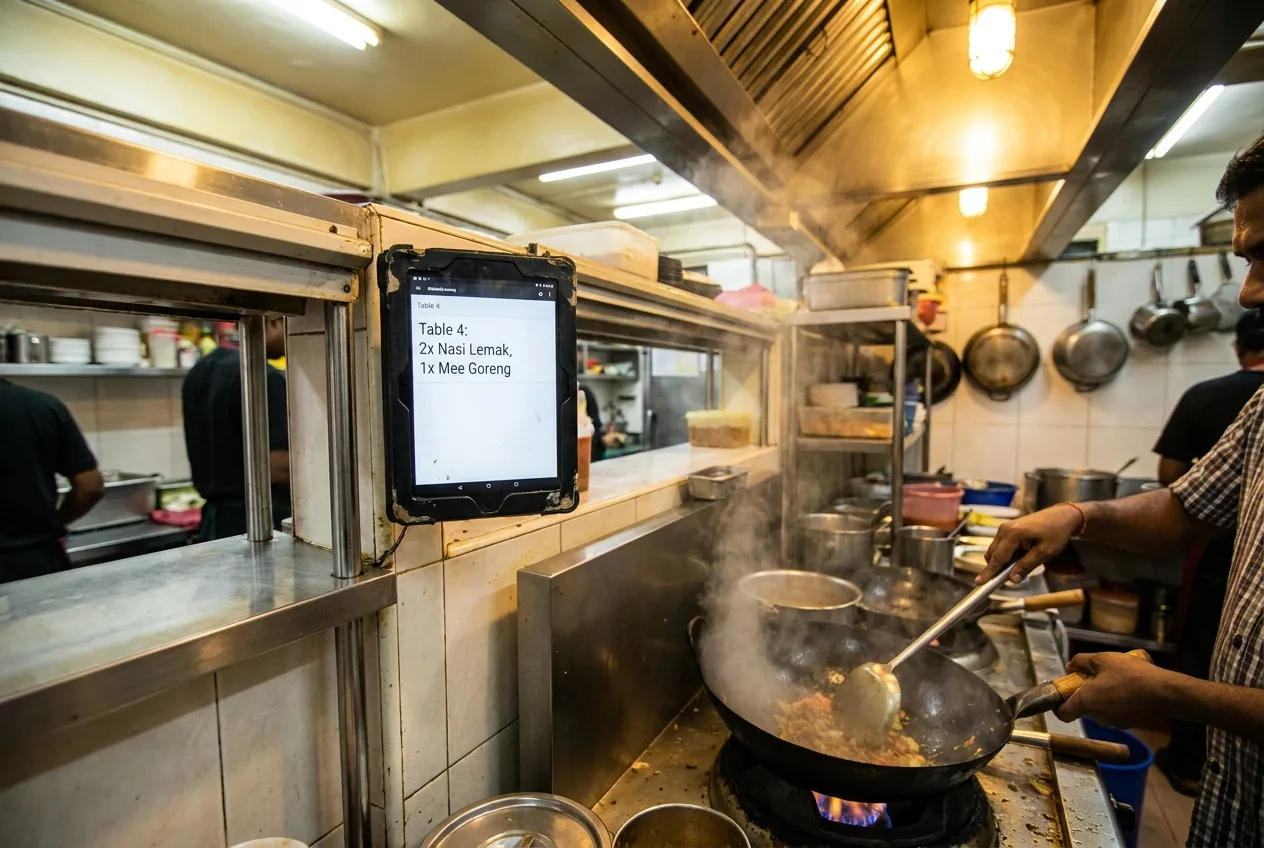
Hidangi's Kitchen Display shows every order's real status the moment it changes — Pending, Preparing, Unattended, or Served — so staff always know what still needs attention without walking back to check.