· By The Hidangi Team
Table QR Tent Cards: Printing, Placing, and Replacing Them Safely
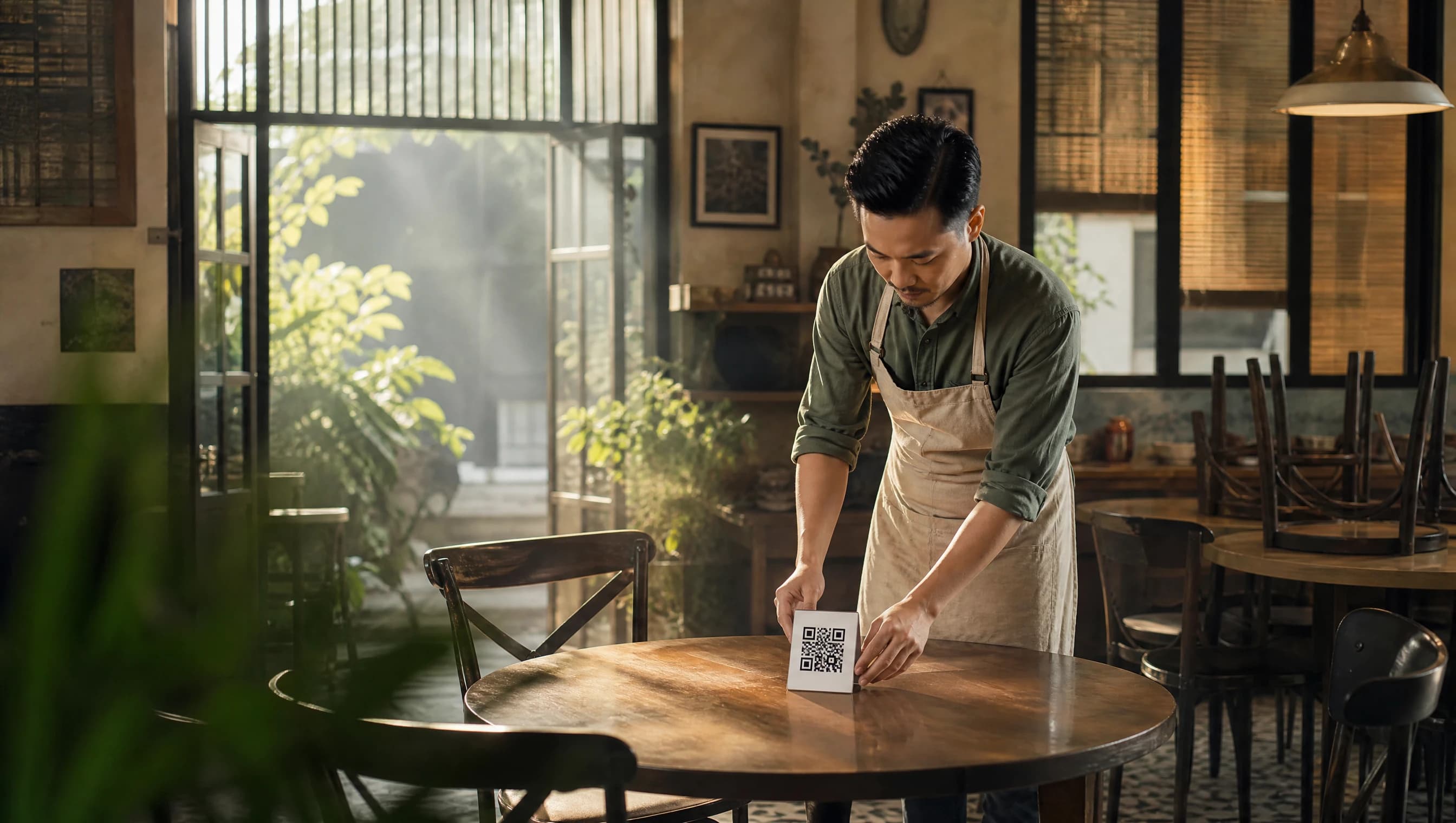
A table QR tent card is the only piece of physical equipment a guest needs to see before they can order — no app, no login, no menu to hand out. Getting it right is mostly about two things: making it easy for a guest to scan without thinking, and making it easy for staff to replace without worrying.
What makes a good table QR tent card?
A table-tent card only has one job: get scanned quickly, from a normal seated distance, without a guest reaching or standing up. That means:
- Large enough QR module — a code the size of a business card is often too small to scan comfortably from across a table. A tent card roughly the size of a folded A5 sheet works well for most tables.
- High contrast — black code on plain white or light background scans fastest, even in dim evening lighting.
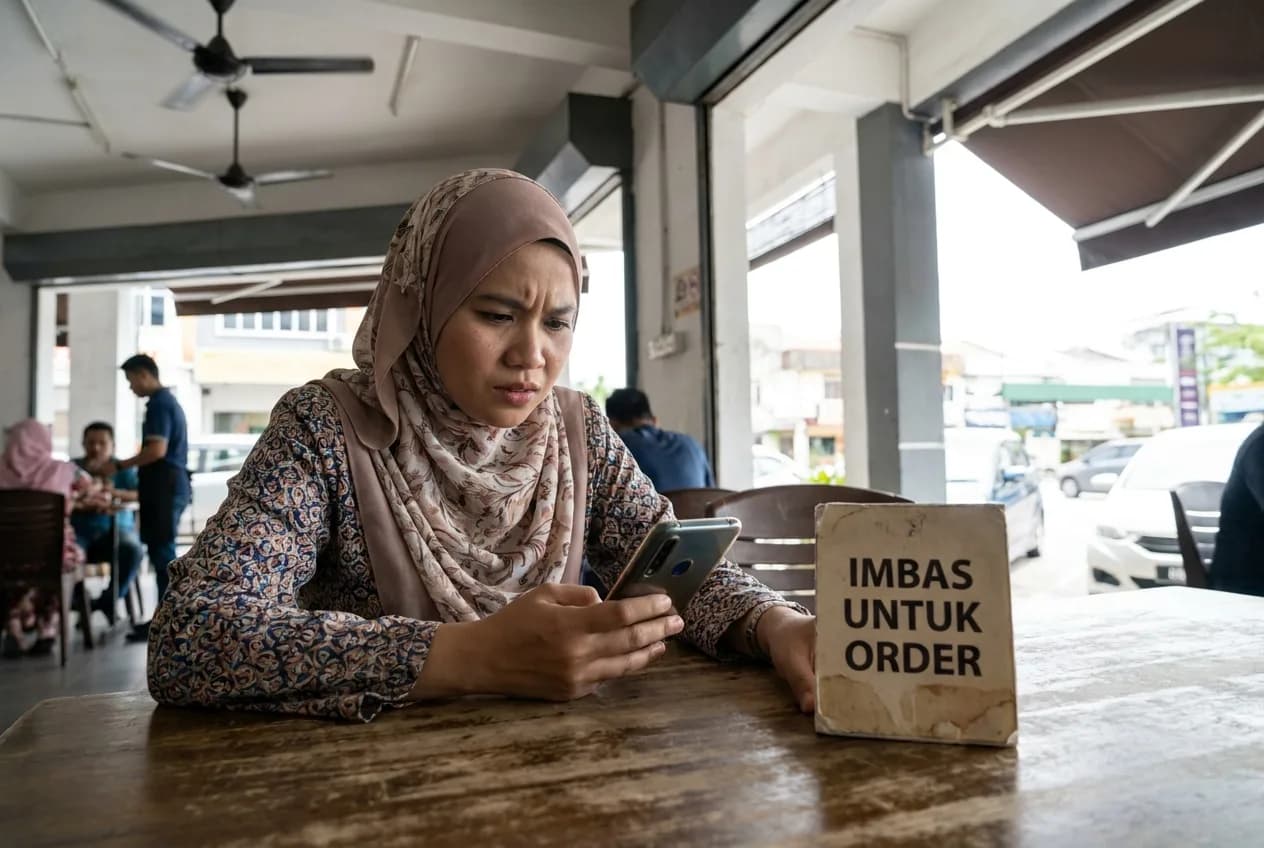
- A short instruction line — "Scan to order" in the restaurant's main language removes any hesitation about what the code does.
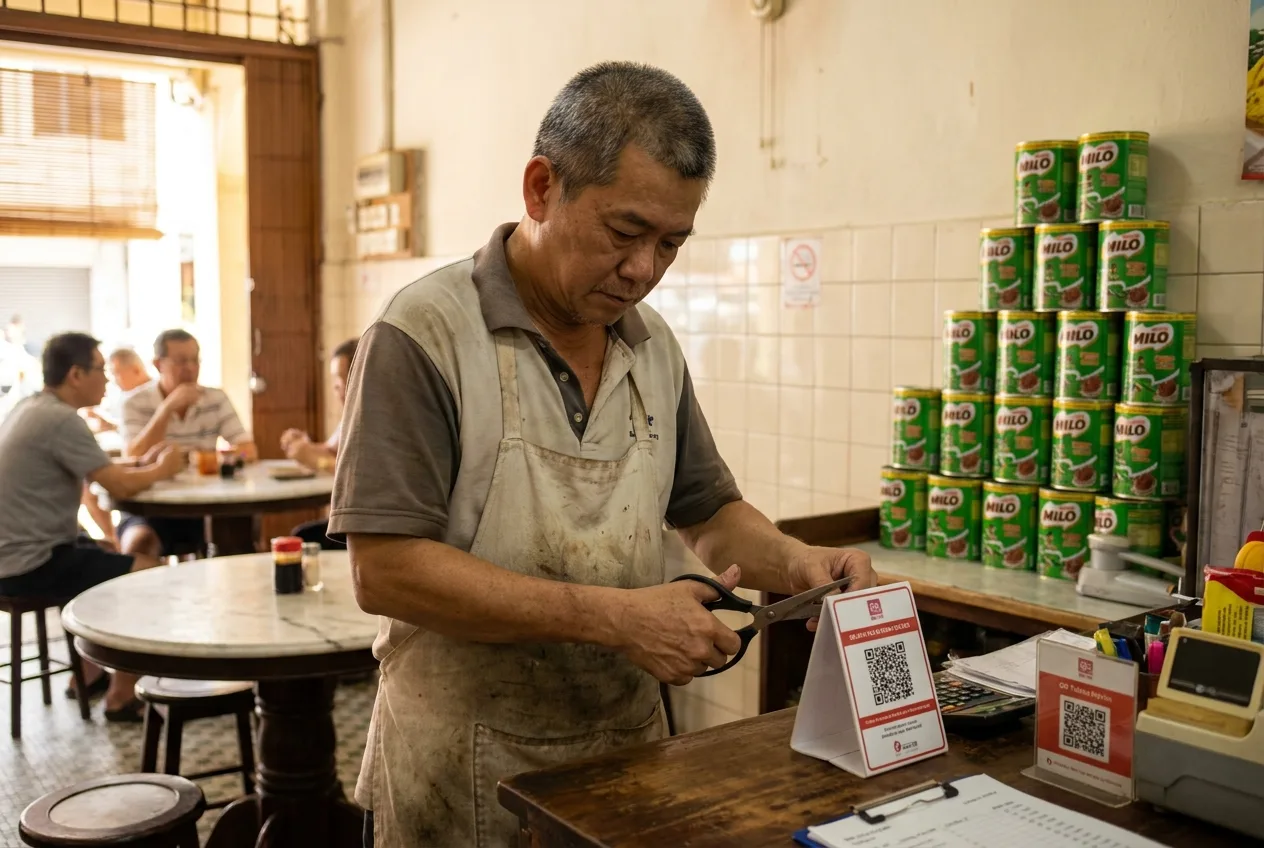
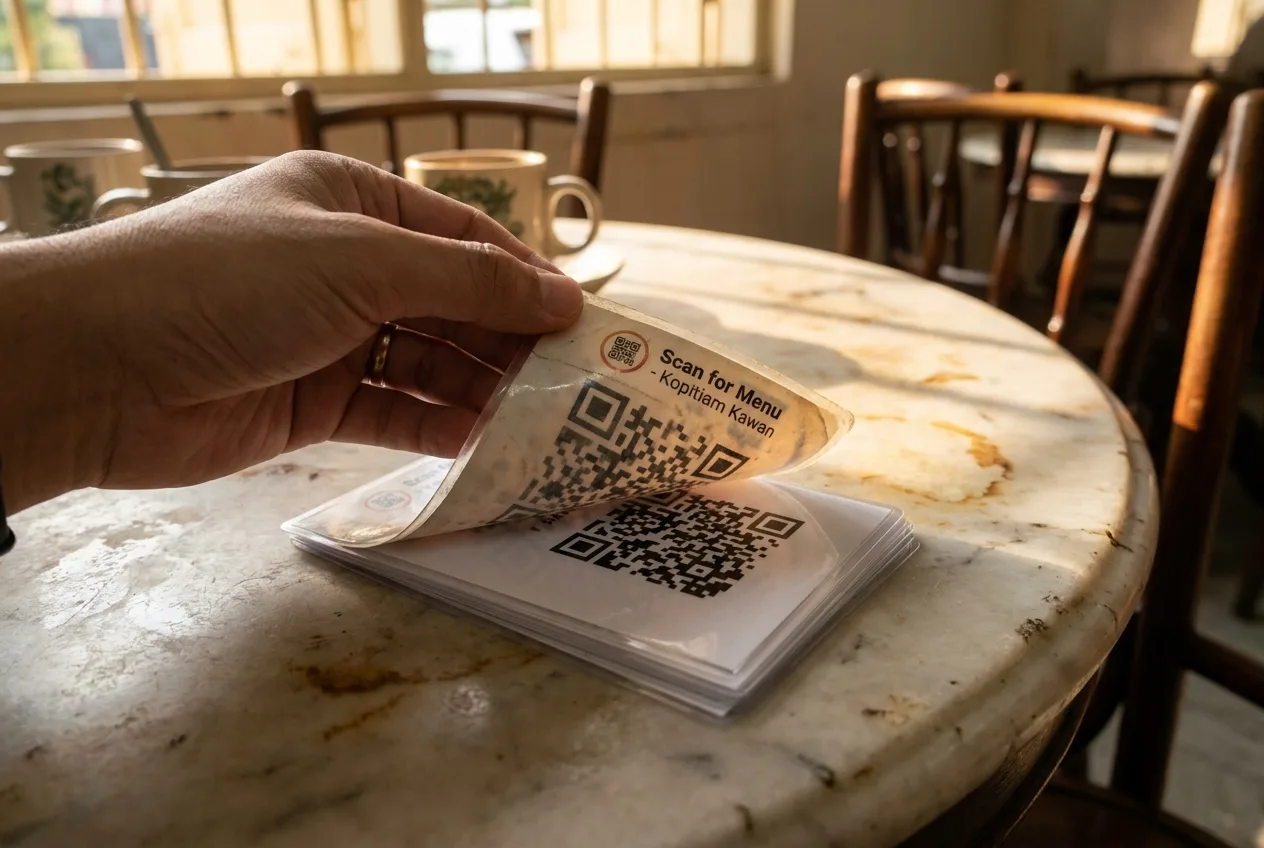
- Laminated or printed on card stock — table-tents get wiped, splashed, and stacked; thin paper wears out within weeks.
Where should the QR code be placed on the table?
Anywhere a seated guest can see it without craning their neck — centre of the table, or angled toward the most common seating side if the table is against a wall. Avoid placing it flat under a glass or menu holder that catches glare, since reflections are one of the most common reasons a scan fails on the first try.
What happens when a card goes missing, torn, or damaged?
This is the part that worries most first-time operators: what if a card walks off, or a spill ruins it? The answer is straightforward — each table's QR code is tied to that table in the system, not printed as a fixed, unchangeable image. If a card is lost, torn, or too faded to scan reliably, staff can revoke it and issue a fresh code for that same table from the restaurant app. The old code stops working the moment it's revoked, so there's no window where a lost card could be scanned by someone off the premises and used to place a stray order.
Can the same QR code be reused across different tables?
No — and that's intentional. Each code is table-specific, which is what lets the kitchen and counter know exactly where an order came from without a guest having to type a table number. Printing one card and photocopying it for every table would break that link, so each table needs its own code generated and printed individually.
How often should QR cards actually be reprinted?
There's no fixed schedule — reprint on condition, not on a calendar. A card behind glass or protected in a stand can last many months; one left bare on an outdoor table in the sun fades faster. A simple habit that works well: whenever a card looks noticeably duller than a fresh one next to it, or a guest mentions it took two or three tries to scan, replace it.
Frequently Asked Questions
How big should a table QR tent card be? Roughly the size of a folded A5 sheet works for most tables — large enough to scan comfortably from a seated position without a guest needing to lean in.
What happens if a QR tent card is lost or stolen? The table's code can be revoked and a new one issued immediately from the restaurant app. The old code stops working the moment it's revoked.
Can I photocopy one QR card for every table to save time? No — each table needs its own code, generated individually, so an order can be matched to the right table without a guest typing a number.
Does laminating the card affect how well it scans? No, as long as the lamination doesn't create glare at the angle guests usually view it from. Matte lamination scans more reliably than glossy under bright lighting.
Every table QR code in Hidangi is generated per table, can be revoked and reissued in seconds from the app, and never needs a guest to create an account or type a table number by hand.