· By The Hidangi Team
Tax and Service Charge for Small Restaurants: How the Toggles Work
Tax and service charge trip up more first-time QR ordering setups than almost anything else — not because the maths is hard, but because it's easy to assume a system bundles them together, or turns one on by default. Hidangi doesn't. Tax and service charge are two independent, optional percentages, and both start switched off.
Why are they separate instead of one combined charge?
Because they don't always apply together in practice. A small kopitiam might charge neither. A casual restaurant might add a service charge but no tax. A restaurant that's tax-registered might need the tax line but chooses not to charge for service. Bundling them into one number would force every restaurant into the same shape, so each one is its own on/off percentage that a restaurant sets independently in its settings.
What does a guest see if both are off?
Exactly the item prices as listed on the menu, added up to a subtotal — nothing extra appended at checkout. This is the default state for every new restaurant, and plenty of small operators simply leave it that way.
What changes once tax or service charge is turned on?
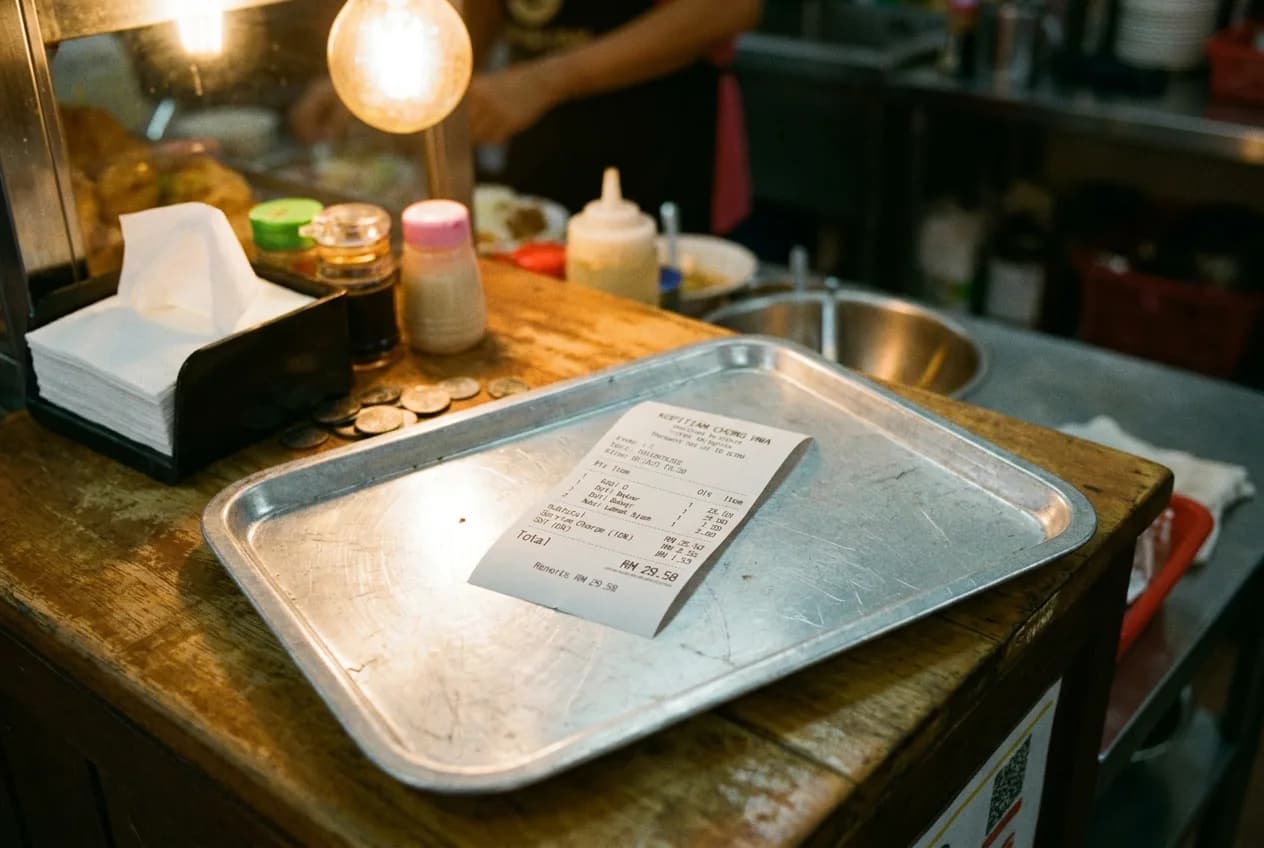
Once a percentage is set for either one, it's calculated on the order subtotal and shown as its own line on the receipt and the guest's order-tracking page — never silently folded into the item prices. A guest can see, item by item, exactly what they're being charged and why, which matters for trust when the whole point of QR ordering is that no one is standing over their shoulder explaining the bill.
Do tax and service charge affect loyalty or reporting?
Closing a table finalizes loyalty based on the value of the served items only — tax and service charge amounts are excluded from that calculation. That keeps loyalty tied to what a guest actually ordered and ate, rather than inflating it by whatever percentages happen to be switched on that month.
Can a restaurant change these settings later?
Yes. Because tax and service charge are ordinary restaurant settings rather than something locked in at signup, they can be adjusted as a restaurant's situation changes — for instance, after becoming tax-registered, or when deciding to introduce a service charge for the first time. Changes apply to new orders going forward.
Frequently Asked Questions
Are tax and service charge switched on automatically for a new restaurant? No. Both start off by default, and a restaurant chooses to enable either one, neither, or both.
Does Hidangi decide what percentage to charge? No — the restaurant sets its own tax and service charge percentages. Hidangi only handles calculating and displaying them consistently once they're set.
Will guests see tax and service charge as a combined number or separately? Separately. Each shows as its own line on the order, so a guest can see exactly what portion is the item cost and what portion is tax or service charge.
Do tax and service charge amounts count toward loyalty rewards? No — loyalty is calculated from the value of served items only, excluding tax and service charge.
Hidangi keeps tax and service charge as two simple, independent percentages a restaurant controls — off by default, clearly itemised the moment either is switched on, and never bundled into a single mystery number on the bill.