
· By The Hidangi Team
How to Know Your Best-Selling Menu Items Without Opening Excel
If you're still working out your best-sellers by flipping through paper order slips or retyping totals into a spreadsheet at closing time, there's a simpler way. Hidangi's analytics dashboard is built automatically from your real QR orders, and it shows which dishes sell best, your busiest hours, and how fast your kitchen responds — no manual entry needed.
What does Hidangi's analytics dashboard actually show?
It turns every QR order your restaurant receives into a plain read of how the day went, without anyone manually tallying anything. Because Hidangi is also how guests order and how your kitchen accepts and serves those orders, the dashboard already has the raw material — it just needs to summarize it for you.
Specifically, it shows:
- Best-selling items — which dishes get ordered most often, so you know what to keep stocked and what to feature on the table QR menu
- Peak hours — which hours of the day bring in the most orders, so you can plan staffing instead of guessing
- New vs returning customers — a rough sense of how many orders come from first-time diners versus repeat ones
- Average response and preparation time — how long it typically takes your staff to accept an order and get it out
- Unattended rate — how often orders sit too long before anyone accepts them
- Estimated Sales — an estimate of sales value based on what was marked served
Why does it say "Estimated Sales" instead of "Revenue"?
Because Hidangi never touches payment. Guests scan the table QR, order, and pay at the counter the same way they always have — Hidangi has no gateway, no merchant account, and no verified record of what was actually collected. What it does have is a record of what was ordered and marked served, so it estimates sales value from that. Calling it "Estimated Sales" instead of "Revenue" is simply an honest label for what the number really is: a useful estimate, not an audited figure.
If you need an exact accounting number, that still belongs to your POS or your own till reconciliation. Hidangi's number is meant to answer a faster, more everyday question: roughly how did today go, and what sold?
How do I find my best-selling item without opening a spreadsheet?
You open the Analytics section in the app, and it's already sorted for you. Instead of adding up order slips by hand at the end of a shift, the best-sellers list is built continuously as orders come in and get marked served, so it's ready whenever you check it — mid-shift, end of day, or once a week.
What are peak hours, and why do they matter for a small kitchen?
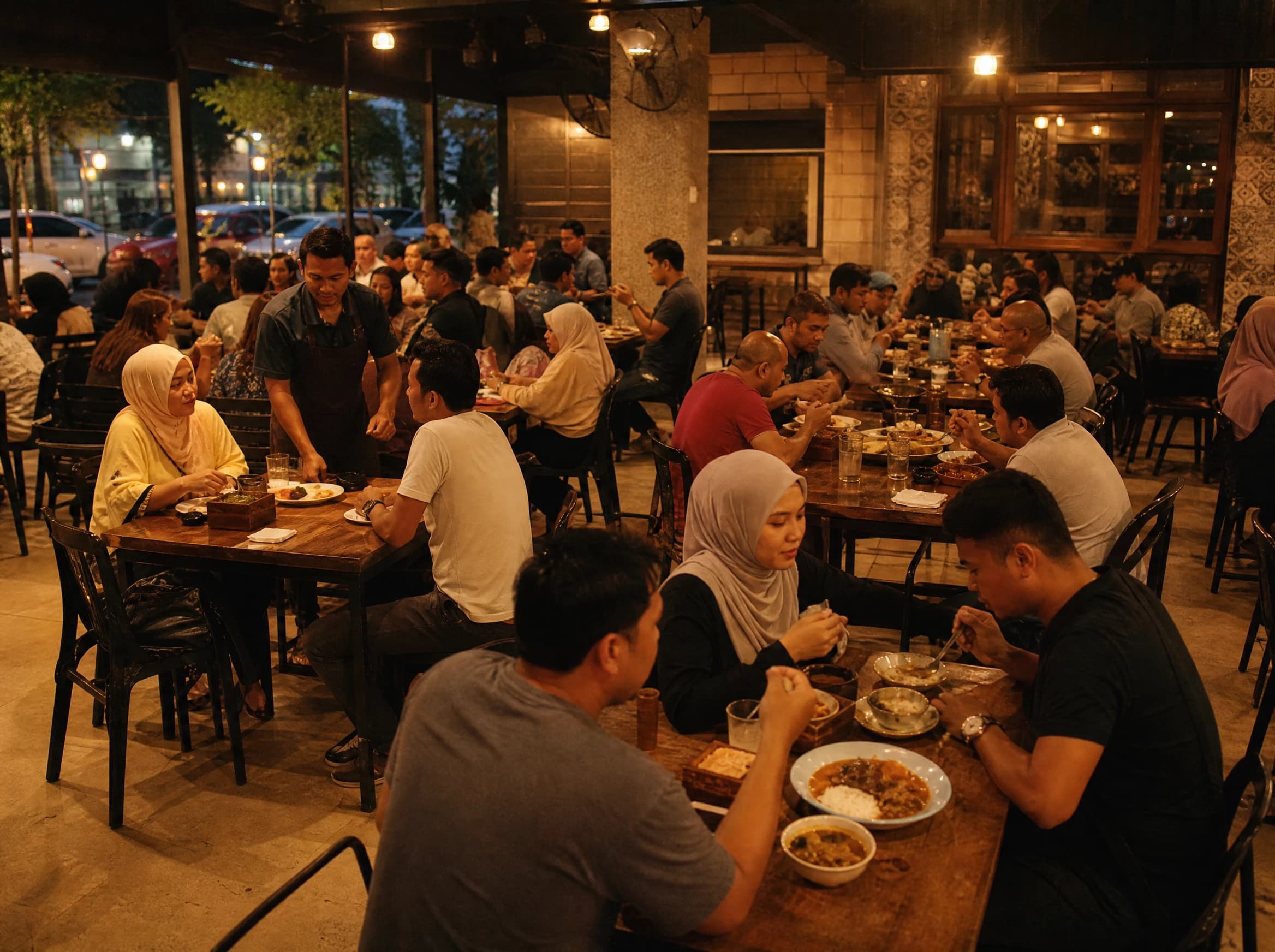
Peak hours show which time blocks bring in the most orders, based on when orders actually came in, not when you think it gets busy. For a small team, this is usually the most actionable number on the whole dashboard: it tells you when to have your fastest cook on the line, when to pre-prep certain items, and when it's genuinely fine to run a lighter shift.
Can Hidangi tell me if a customer is new or returning?
It gives you a rough split, not a customer-by-customer history. The new-vs-returning view is meant to answer one question over time — are people coming back — rather than to build a detailed profile of any individual guest. It's a directional signal, useful alongside the other metrics, not a replacement for a loyalty program.
What is the "unattended rate," and why should I check it regularly?
The unattended rate measures how often orders sit unclaimed for too long before staff accept them. It's a proxy for how responsive service feels during a rush, and it's easy to miss in the moment because everyone is busy — which is exactly when it matters most. A rising unattended rate is usually the first sign that a shift is understaffed before anything else shows it.

How much history can I see, and can I export it?
That depends on your plan. The Free plan gives you a rolling 30-day window, which is enough to spot a weekly pattern or a recent slow patch. Paid plans keep a longer history, so you can compare this month against last month or check how a new dish has performed over time — and paid plans can also export the underlying data as CSV.
| Analytics history | CSV export | |
|---|---|---|
| Free plan | Rolling 30 days | Not available |
| Paid plans | Longer history | Available |
What is Test Mode, and does it mess up my real numbers?
Test Mode lets you place practice orders — while setting up a new menu, training a new staff member, or just checking that everything works — without those orders touching your analytics. Any order placed in Test Mode is automatically excluded, so your best-sellers, peak hours, and Estimated Sales stay a clean reflection of real guests, never test data.
Frequently Asked Questions
Why does Hidangi call it "Estimated Sales" and not "Revenue"? Because Hidangi doesn't process payment — guests pay at the counter. The number is calculated from orders marked served, so it's labeled as an estimate rather than a verified revenue figure.
Can I export this data? Yes, on paid plans. CSV export lets you pull the underlying numbers into your own spreadsheet or accounting workflow if you need to.
Does the Free plan get analytics too? Yes. Free plan analytics covers a rolling 30-day window, which is usually enough to see recent trends. Paid plans extend that history.
Will testing the app affect my real numbers? No, as long as you place test orders while Test Mode is on. Those orders are automatically excluded from every metric on the dashboard.
Do I need a POS system for any of this to work? No. The dashboard is built entirely from QR orders placed and served through Hidangi — there's nothing extra to connect.
Next time you're tempted to reach for a spreadsheet at closing time, open the Analytics tab instead and see what your last week actually looked like.